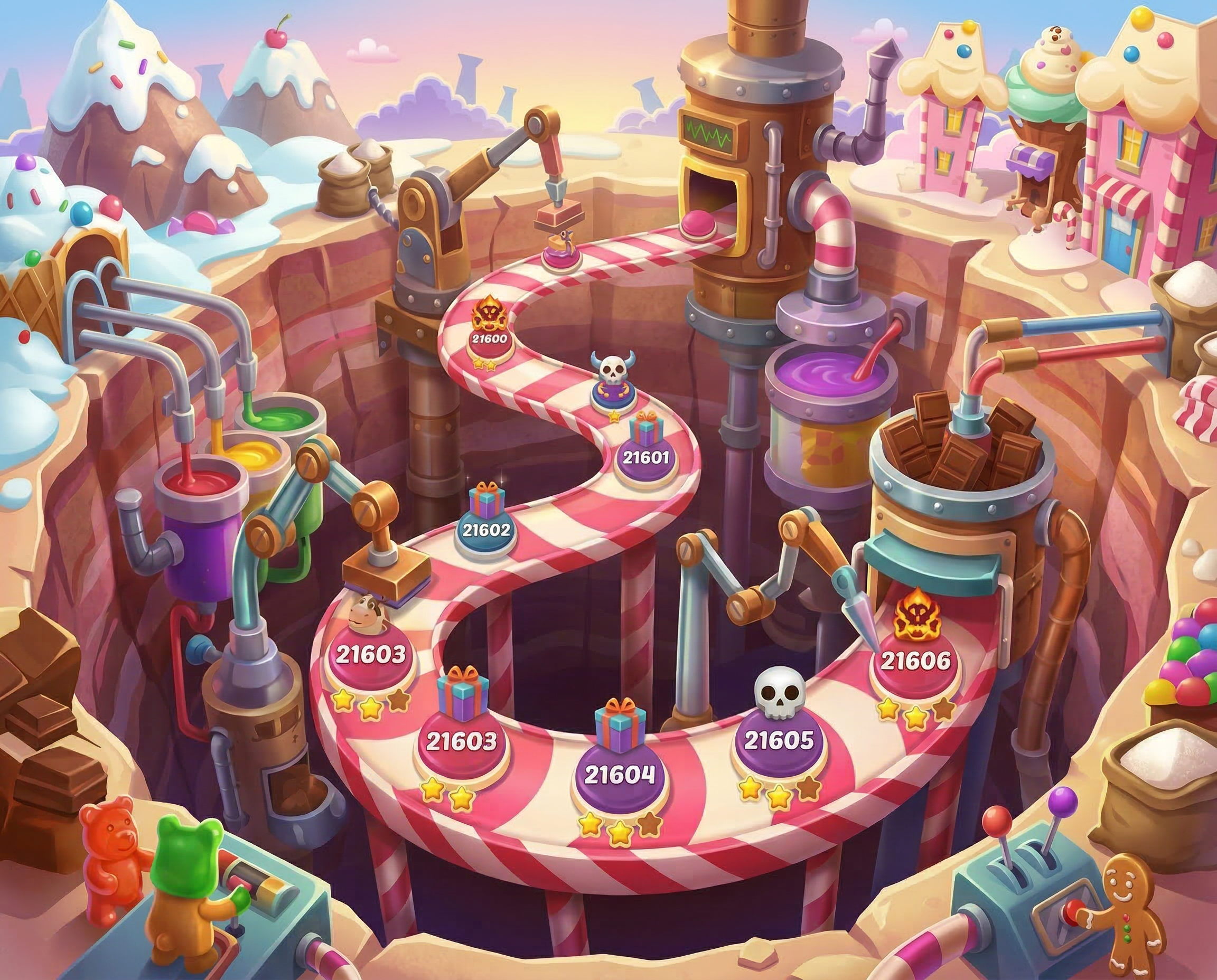
Candy Crush had more than 20,000 levels and was releasing 65 new ones each week. The level design team also maintained the existing catalogue, adjusting older levels as player behaviour and design standards changed. They called these adjustments level tweaks.
I mapped this work across teams and tools to understand where it was difficult to coordinate. I then designed changes to the workflow and identified steps that could be automated.
My mapping and redesign fed a broader automation initiative. The team adopted one shared pipeline, with separate routes for automatic changes, review and manual work. The internal interfaces described here are reconstructions.
Maintaining 20,000 levels
A level that played well at launch can drift off target years later. Designers maintain the existing catalogue alongside each week's new releases.
What a tweak is
Designers adjust moves, candy colours, obstacles or objectives to bring a level back towards its performance targets. Automated playtests help them assess a proposed change before release.
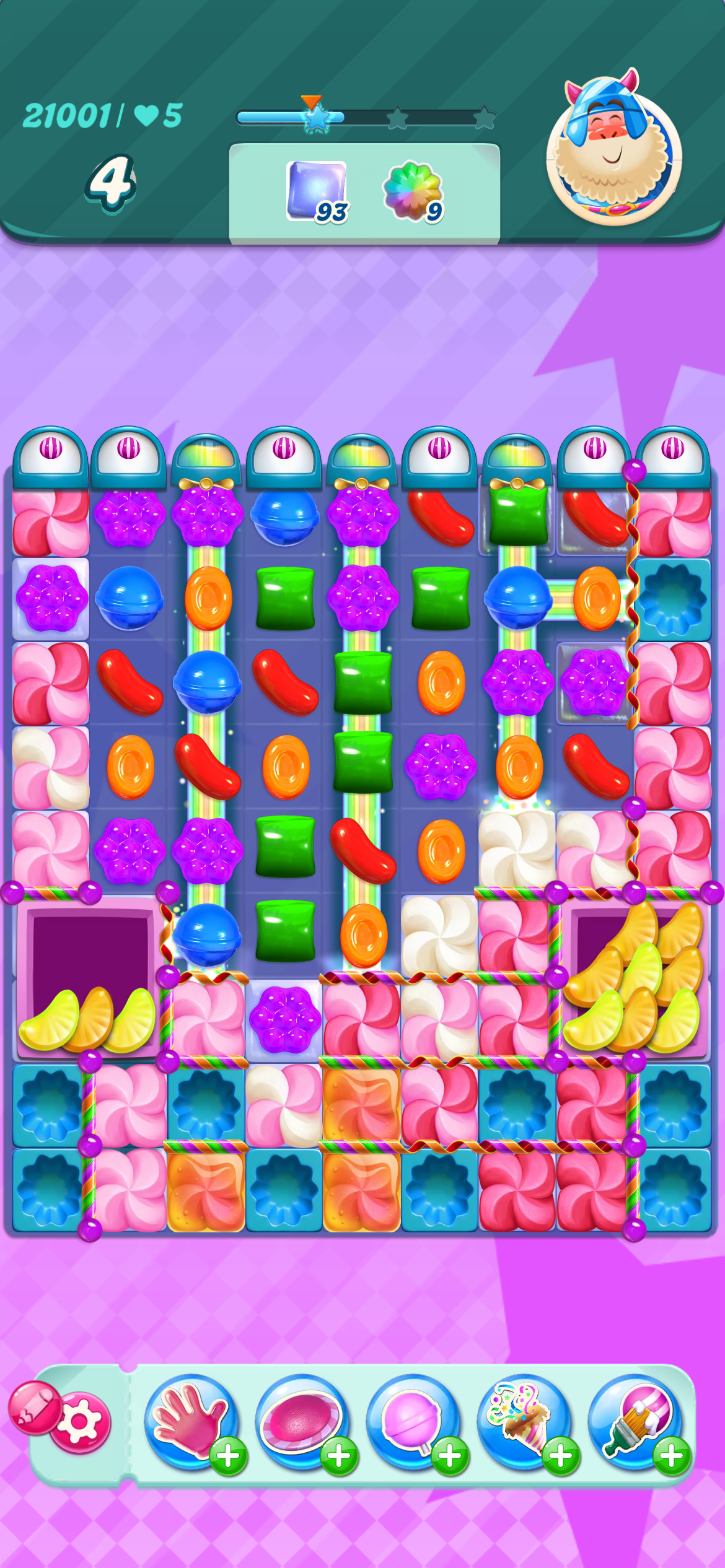
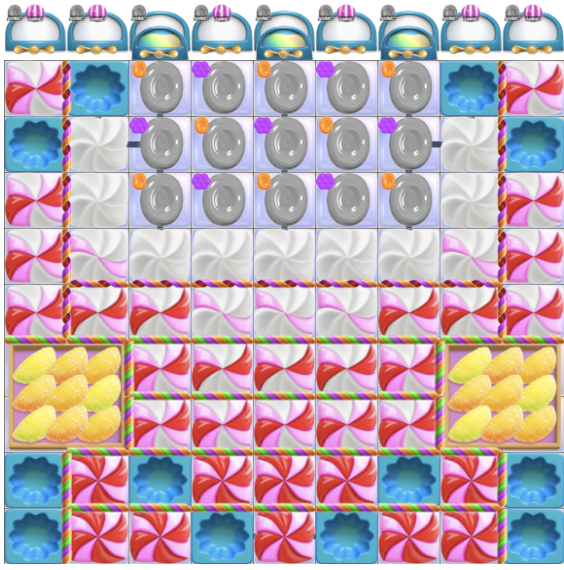
Original
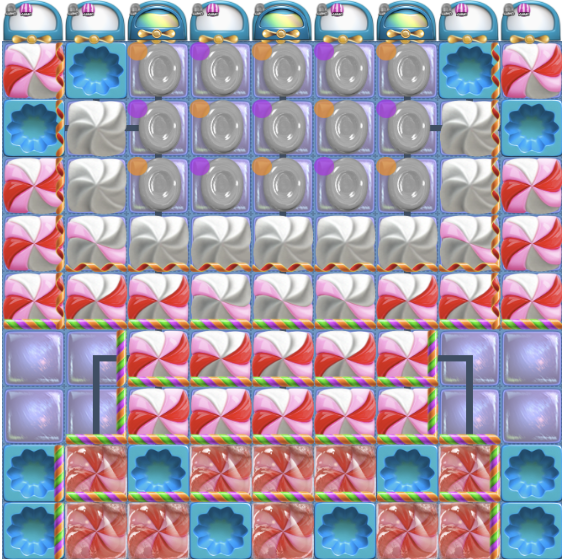
Current
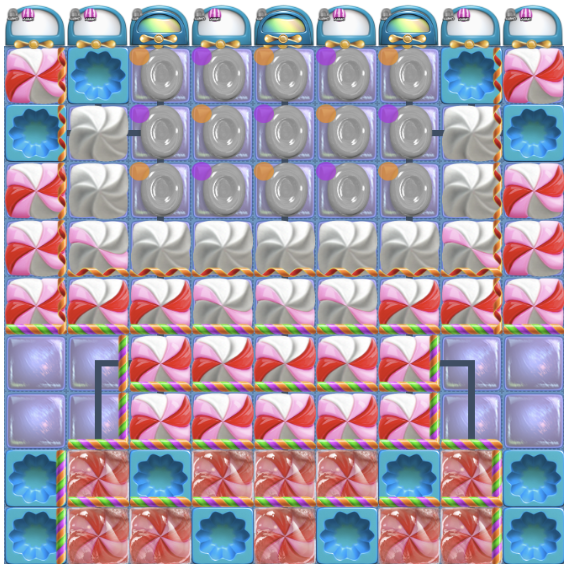
Suggested variant
In this example, the suggested variant reduces moves and striped candy spawns. Bot playtests show how the changes affect difficulty and time per attempt.
| Variant 1 | Before | After | Change |
|---|---|---|---|
| Moves available (moveLimit) | 27 | 23 | −4 |
| Striped candy spawn (stripedCandySpawn) | 3 | 2 | −1 |
| Bot difficulty | 16.45 | 33.55 | +103.95% |
| Seconds per attempt | 180.44 | 169.25 | −6.20% |
What designers monitored
Difficulty was one signal among several. Designers also looked at session length, retention and spending, alongside the level's layout, objectives and place in the wider progression.
Understanding the workflow
I spent several weeks interviewing and shadowing level designers, data scientists and engineering leads. Mapping their handoffs exposed where they copied data, recreated context and reviewed routine changes by hand.
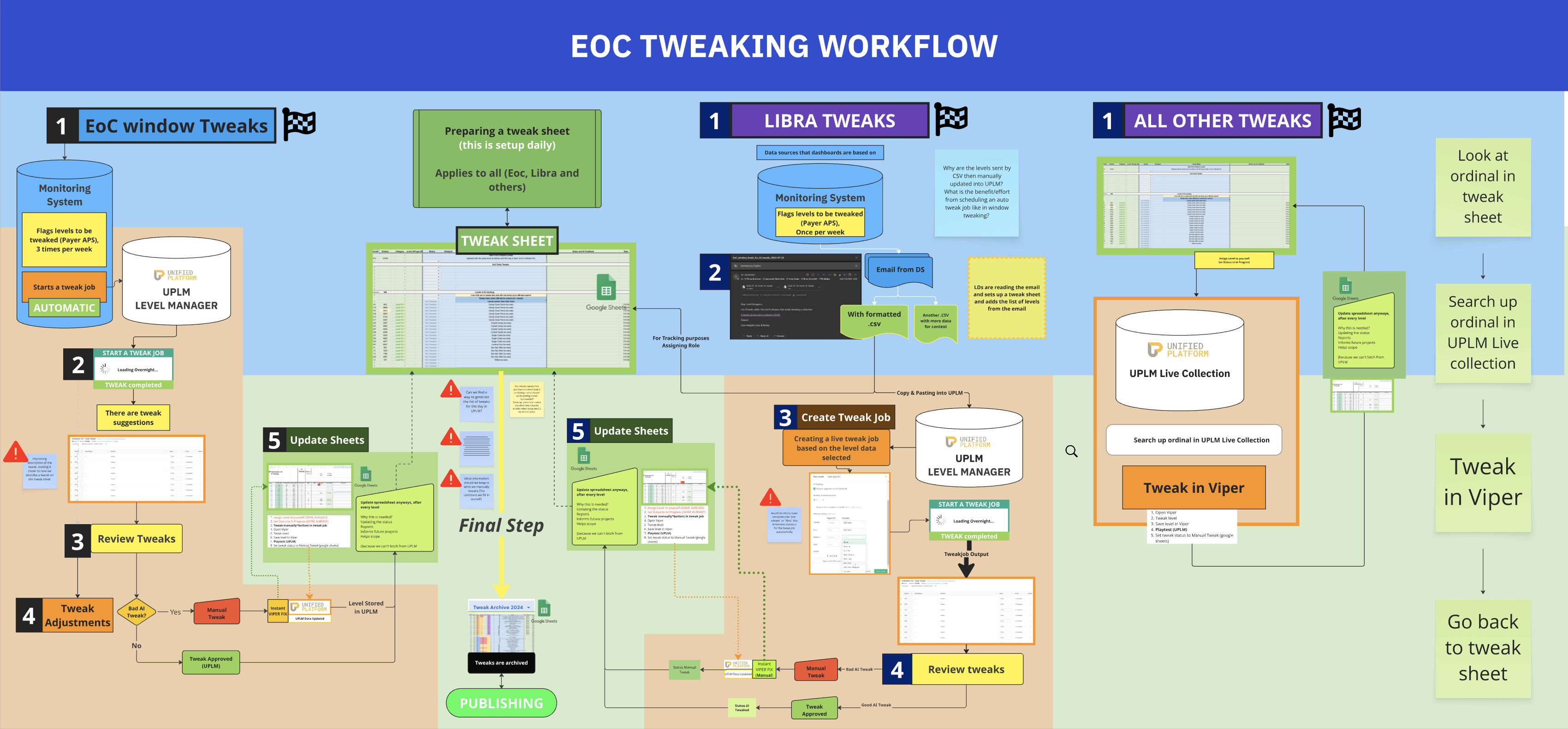
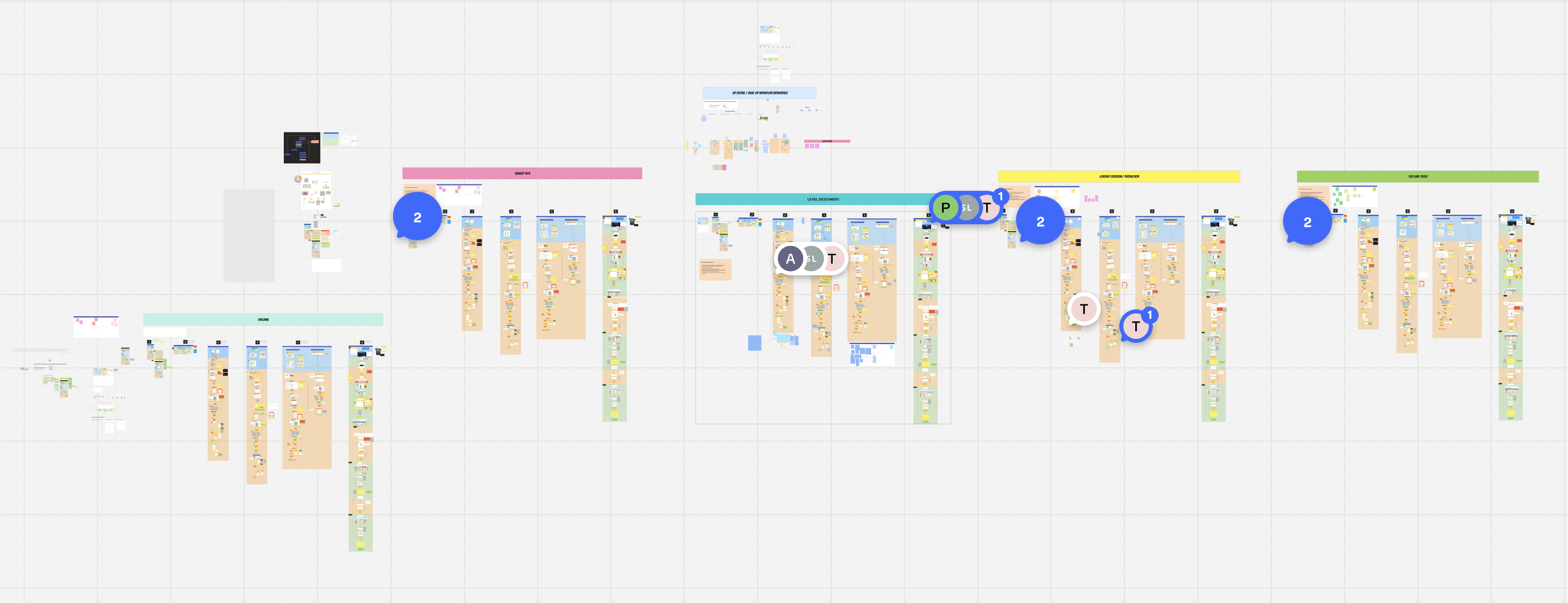
Zoomed out, the map shows the whole pipeline.
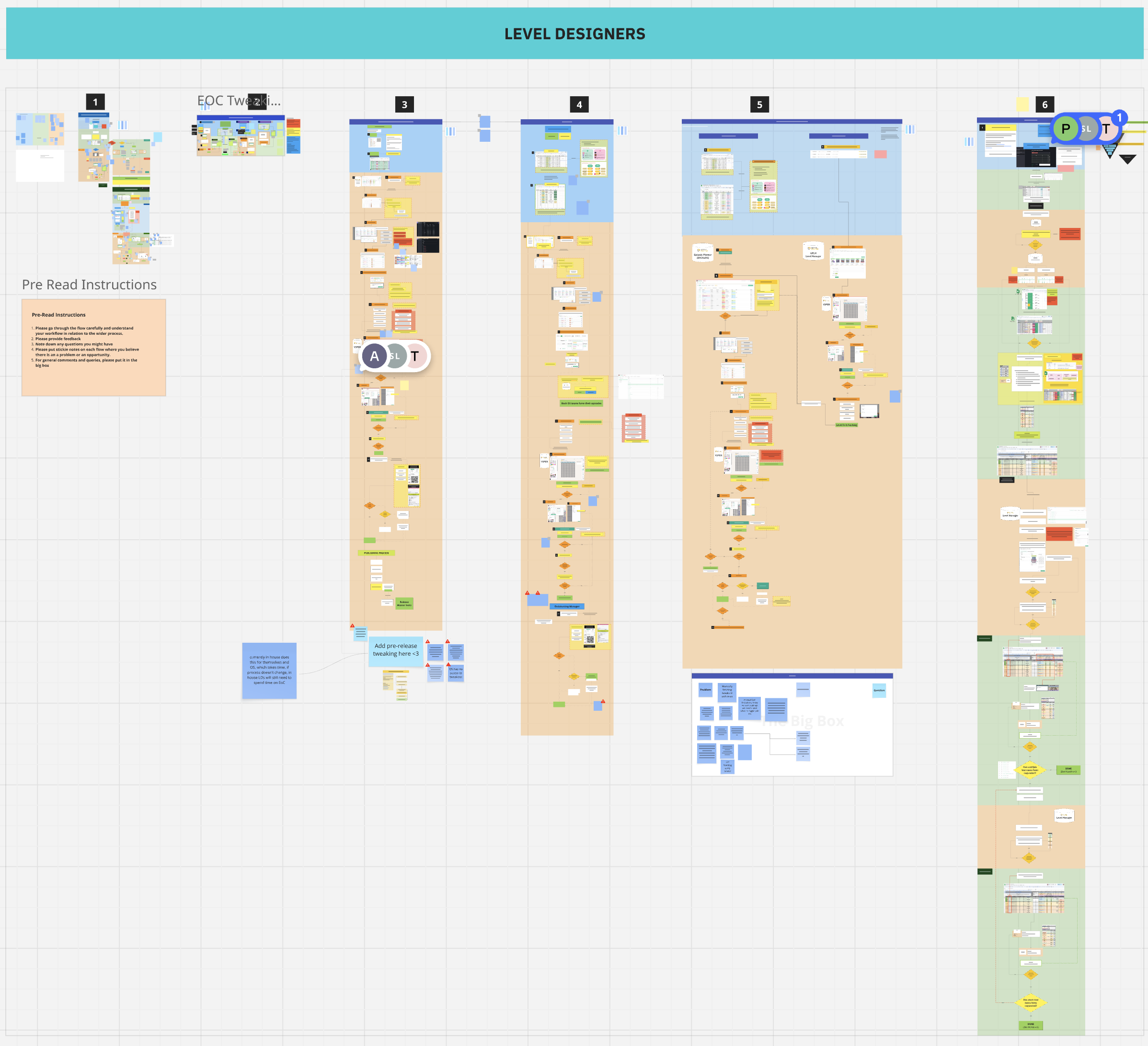
The level designers' lane shows their work step by step.
Three routes to the same task
The same task followed a different process depending on where the request came from. Each route mixed the level management platform, spreadsheets and manual review.
| Request | How it was handled |
|---|---|
| New levels | Monitoring started a job; a designer reviewed every suggestion. |
| Existing catalogue | Data science emailed a CSV; a designer copied the data and set up the job. |
| One-offs and A/B tests | A designer looked up the level and made changes in the editor. |
Every route required manual record-keeping in Google Sheets. Even a small change could involve finding the level, copying its data, reviewing a suggestion and logging the outcome across separate tools.
I proposed a shared workflow that retained the context of each request and routed changes by how much review they needed. Routine adjustments could be automated, leaving designers to focus on uncertain and complex cases.
From a flat list to a review queue
I redesigned the Level Manager around a queue of changes needing attention. The reconstruction below describes how it differed from the flat job list.
| Flat job list | Review queue | |
|---|---|---|
| Context | Inconsistent job names and mixed sources. | Readable names, source tags and change summaries. |
| Priority | Routine and complex changes look alike. | Review needs are visible for each batch. |
| Review | Open and assess every level individually. | Scan summaries; focus on flagged levels. |
| Evidence | Judge suggestions without a confidence score. | See confidence with supporting history. |
A score included its basis, such as “based on 47 similar tweaks”. Designers could approve the suggestion or override it in the editor, while automatically completed levels stayed visible without requiring action.
What happened next
The team adopted the shared pipeline and three review routes as part of a broader automation initiative. Routine adjustments that designers had managed in spreadsheets could proceed without individual review.
The broader automation initiative was followed by a restructuring of level design operations. Some roles were made redundant, while others moved into game design. I had moved to Project Quantum before the restructuring, but my analysis contributed to the work that preceded it.