
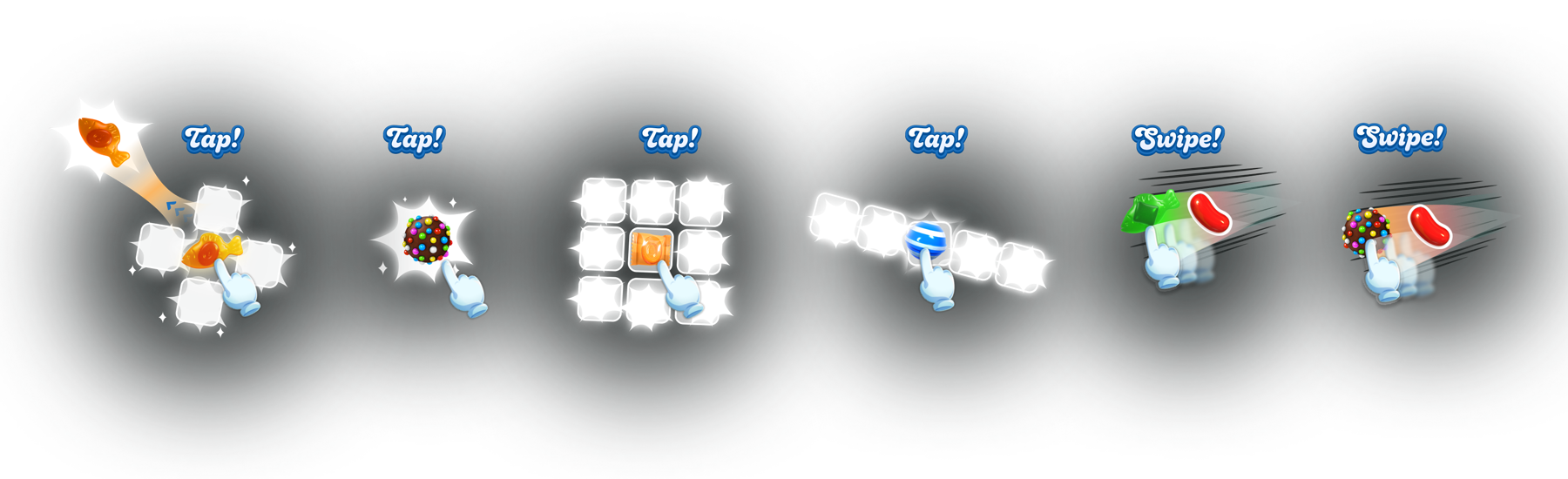
For 12 years, Candy Crush players activated special candies by matching them. Project Quantum added two direct controls: tap a special to activate it, or swipe it into a neighbouring candy.
Players gained more control over when to use a special. My challenge was helping both new and experienced players discover the gestures and make them part of normal play.
As sole UX designer, I designed onboarding for a game with more than 200 million monthly players. I worked with Game Design, Engineering, Art and UX Research on demonstrations, practice and in-game guidance, and defined the adoption measures. Quantum was in a live A/B test when I left King.
What made the change difficult
Competitors such as Royal Match already offered direct activation. In Candy Crush, new players needed to learn the controls, while experienced players had years of habits to reconsider.
Existing levels had been tuned around matching specials. Direct activation could change win rates, progression and spending, so teaching the controls also meant watching their effect on difficulty.
The existing hint system offered a way to demonstrate gestures during play, but any hint also influences the next move. I needed to teach the interaction without providing more help than necessary.
I designed three moments: a demonstration before the level, a safe practice board, and reminders during play. Active guidance would stop once players demonstrated both inputs.
Introducing the controls
Showing the move while a level loads
I replaced loading-screen story tips with tap-and-swipe demonstrations matched to specials likely to appear in the next level. This used an existing wait rather than adding another interruption.
Demonstrations appeared before practice and at selected points in progression, giving players reminders without repeating the full tutorial.
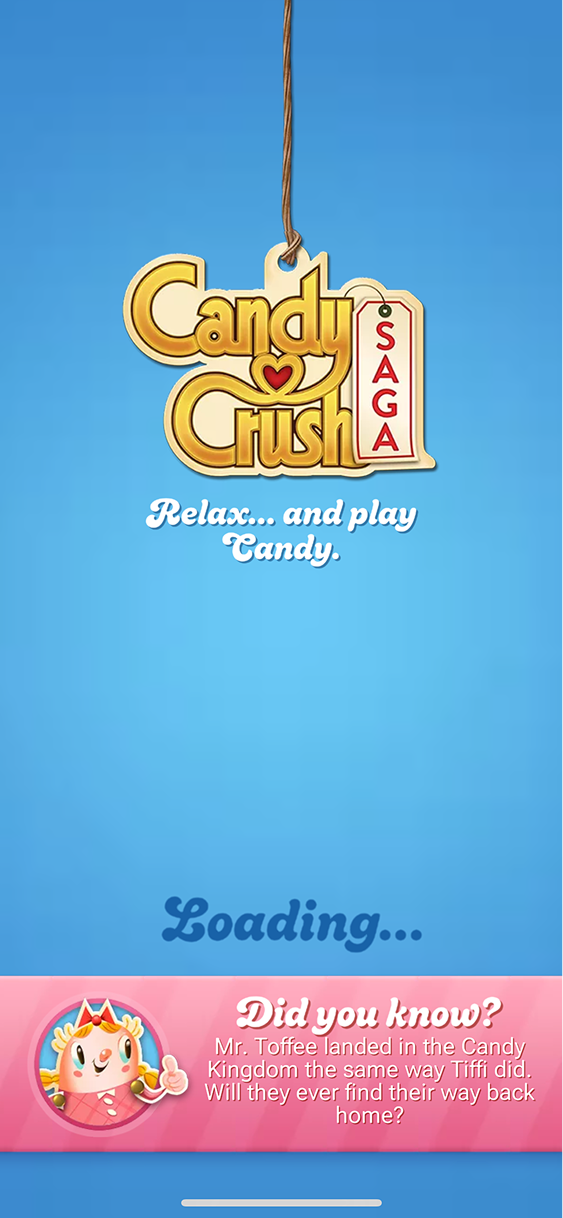
The existing loading screen.
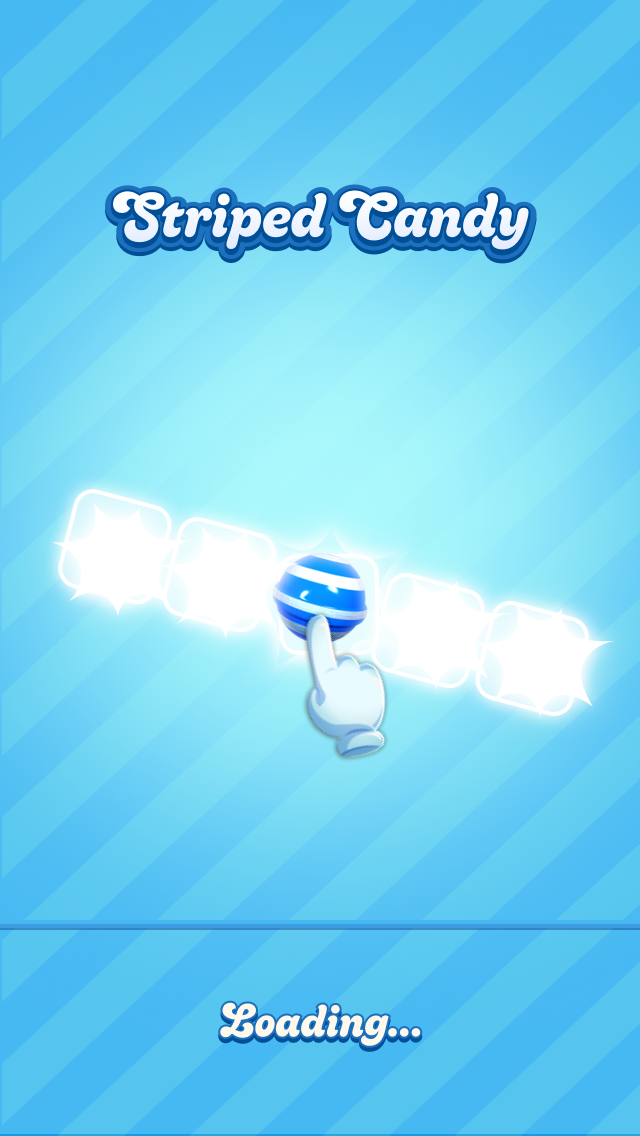
Introducing a tap.
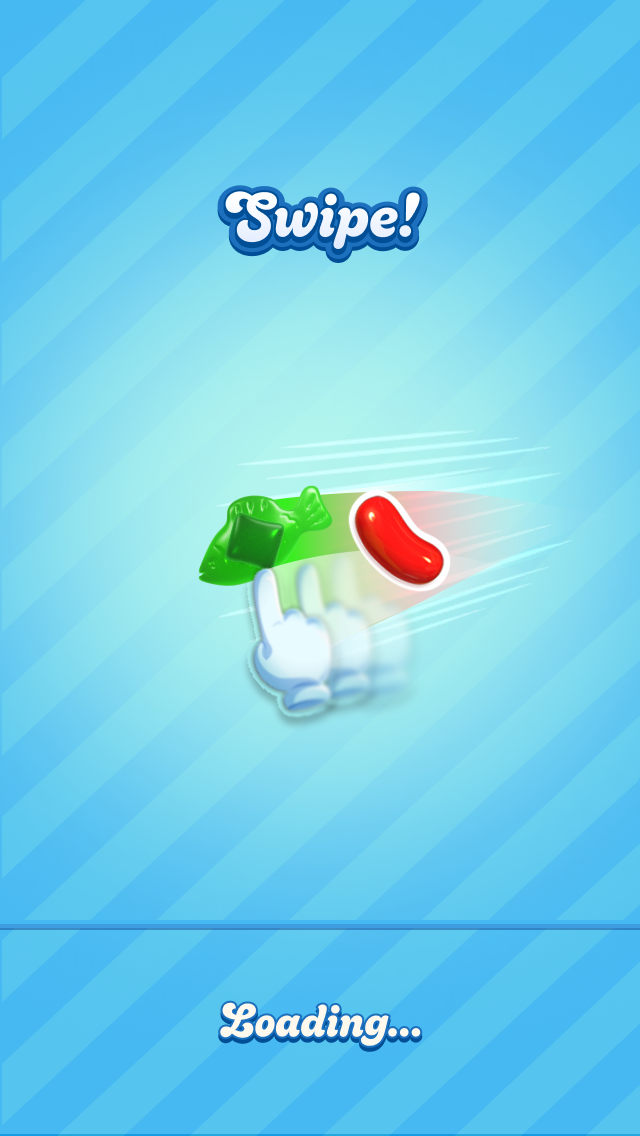
Introducing a swipe.
Giving players a place to practise
I replaced the usual three-step text overlay with a playable tutorial. Each constrained board allowed only the intended move, so players could try a gesture and see its effect.
Players practised tapping, then directional swiping, without spending moves or losing lives. People familiar with the controls could skip it.
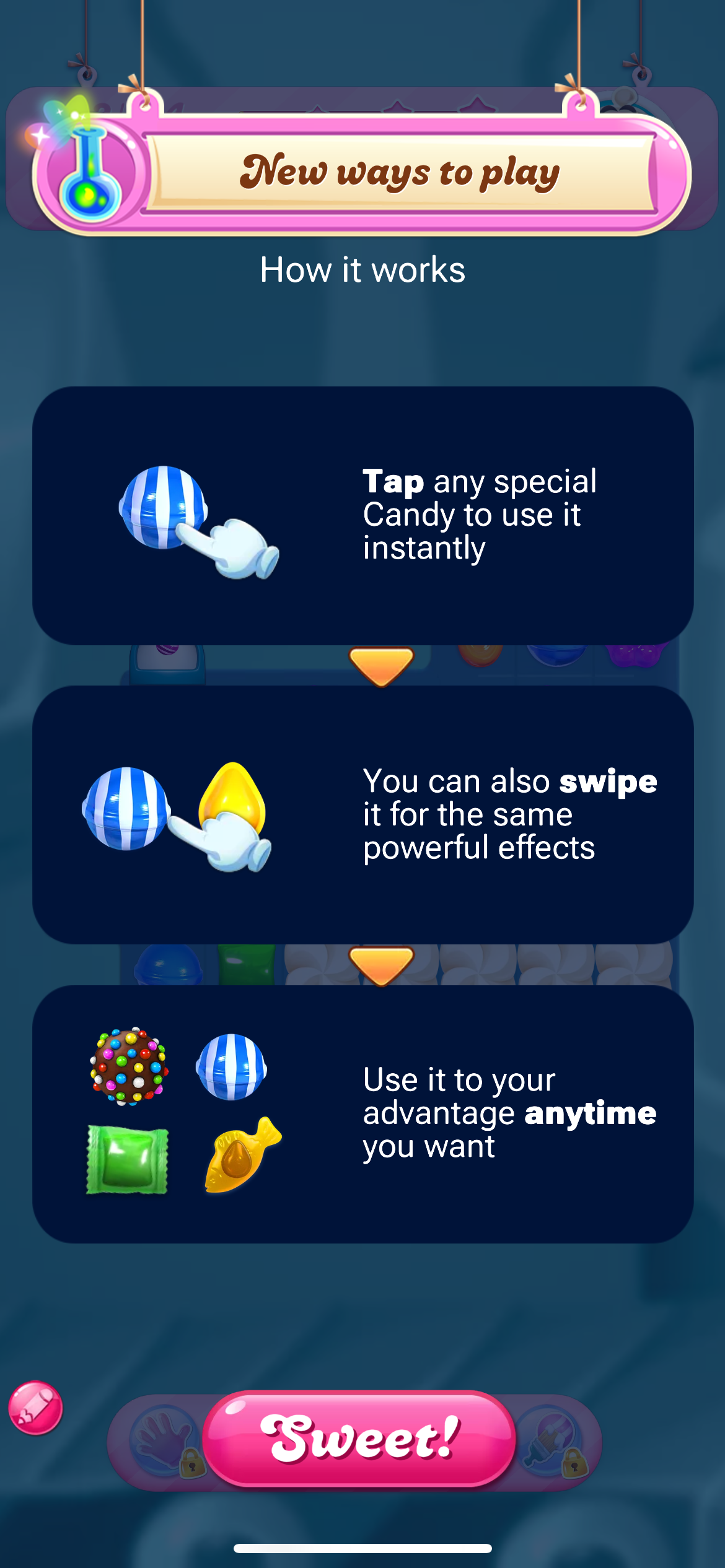
The previous text-based format.
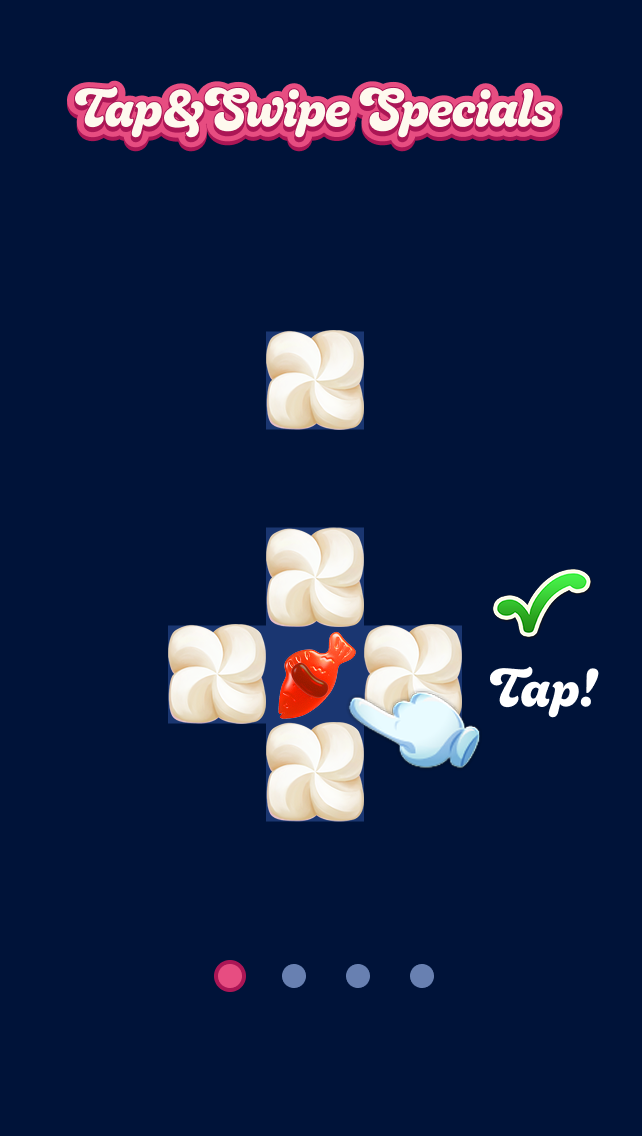
First, tap a special candy.
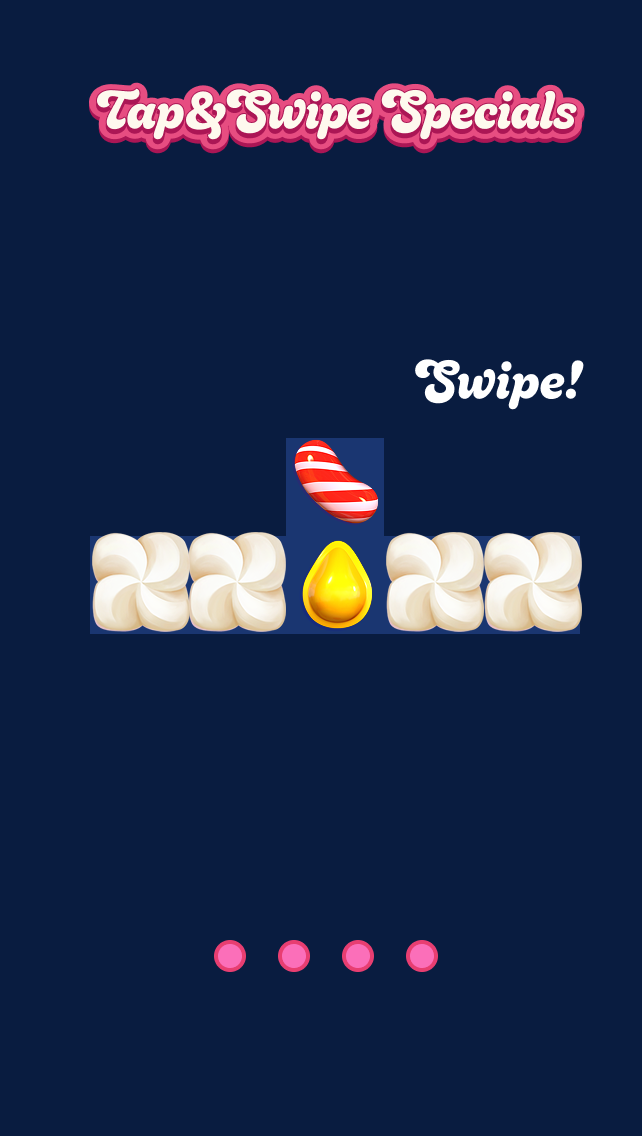
Then, try a directional swipe.
Following up during play
Practice did not establish whether players would use the gestures in a real level. I adapted the existing hints to demonstrate direct activation when a special appeared and the player had not tried it.
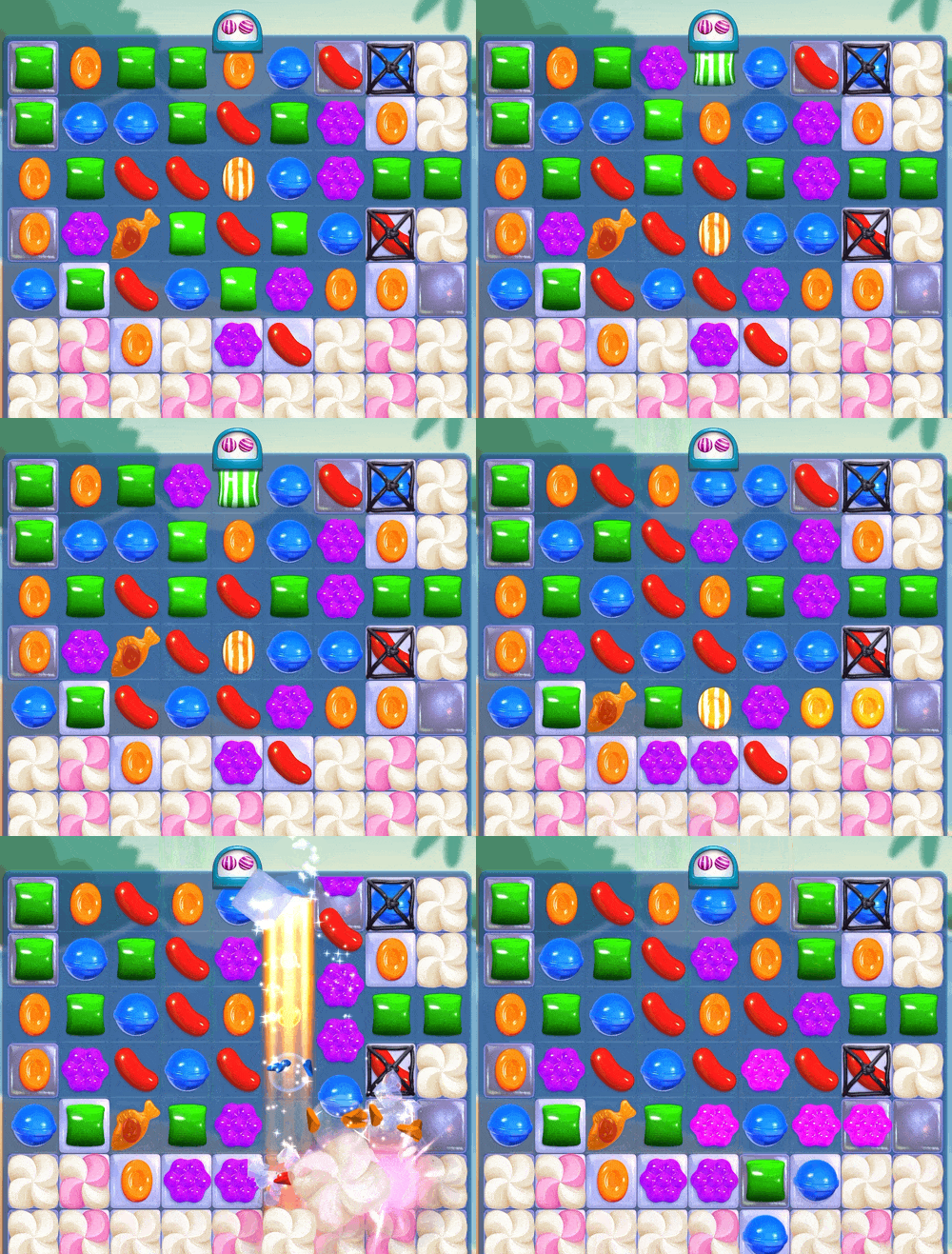
The standard hint suggests a match.
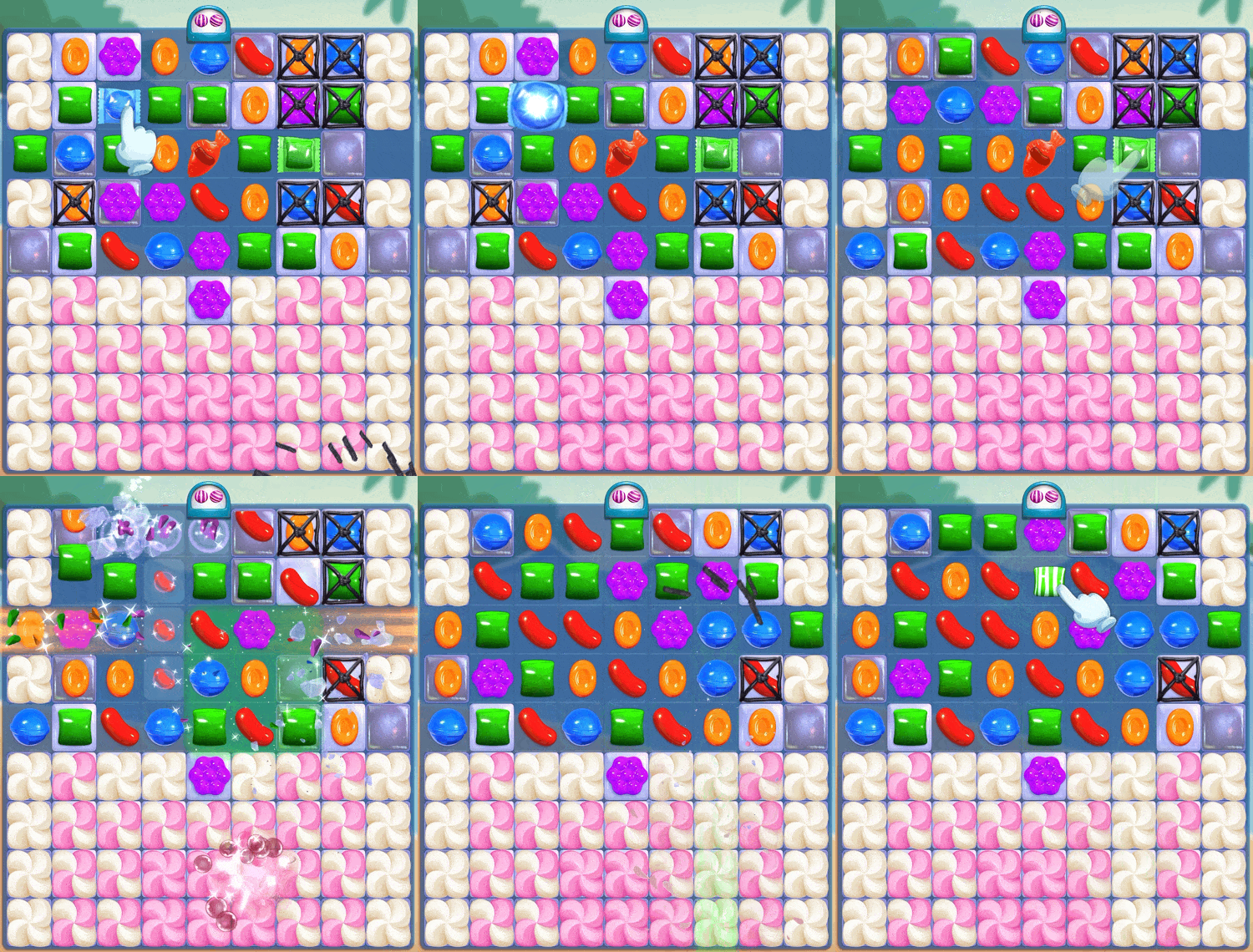
The Quantum hint demonstrates the gesture.
The hint demonstrated a gesture on the player's current board rather than identifying the best match. It still directed attention to a move, so difficulty remained a guardrail in the experiment.
Deciding when to stop
With Game Design, I set a completion rule: one tap, one swipe and two different special candy types used. That gave us a clear stopping point for guidance. Continued use over the following weeks would tell us whether the gestures had become familiar.
- 01First level with QuantumIntroduce the controls on the loading screen, offer the practice tutorial, and follow up with hints during play.
- 02Next two levelsContinue hints for players who have not met the completion rule, with a maximum of three consecutive levels of guidance.
- 03After at least a weekFor players who still have not met the rule, offer one final round of in-level guidance.
- 04Ongoing playKeep the loading-screen demonstrations available. Players who meet the rule no longer receive the active onboarding prompts.
What we learned in playtesting
I designed a three-and-a-half-week playtest with 10 internal testers across eight player profiles, from newcomers to experienced and returning players. They shared observations in Slack as they played.
I investigated gesture preferences, whether practice was enough, and how the controls changed play. I also consulted King's accessibility team on directional swiping and the readability of effects.
Testers chose between tapping and swiping according to the board. That supported teaching both prominently and measuring use of both in the larger test.
“Swiping feels more natural — but before I use a special, I check whether it's better strategically to swipe or tap.”
The small internal study informed the larger experiment; it could not establish adoption or difficulty effects across the player base.
How we would evaluate the release
I left King during the live A/B test, so I do not have final results. These targets measured first use, use of both gestures and continued use after guidance ended.
| Measure | Target |
|---|---|
| New players meeting the onboarding completion rule | At least 95% |
| New players directly activating a special by day 7 | At least 60% |
| Players using both tap and swipe | At least 40% |
| Median levels before a new player's first direct activation | 3 or fewer |
| Players still using direct activation by day 30 | At least 50% |
Adoption also needed to hold up against difficulty and economy guardrails, compared with the control group.
| Measure | Guardrail against control |
|---|---|
| Level win rate | Within ±2% |
| Player retention, days 1–14 | Hold or improve |
| Revenue per daily active player, purchase conversion and booster spending | Hold or improve |
| Sessions per day and session length | Remain stable |
What carried forward
The interactive tutorial format was adopted beyond Quantum at King. The project also introduced loading-screen demonstrations to Candy Crush.
After the playtest ended, testers described tapping and swiping even though the actions no longer worked. That was an encouraging sign of familiarity, ahead of the longer-term adoption results.
“I'm so sad the upgrades went bye bye already — now I keep trying to tap and swipe when it won't let me.”
The central decision was when to step back. Observing behaviour in real levels let us follow up where needed and stop prompting once players used the controls for themselves.