In 2019, I led UX on a student capstone project with the BBC. We explored how younger viewers could watch iPlayer together, react to programmes and talk with friends across devices.
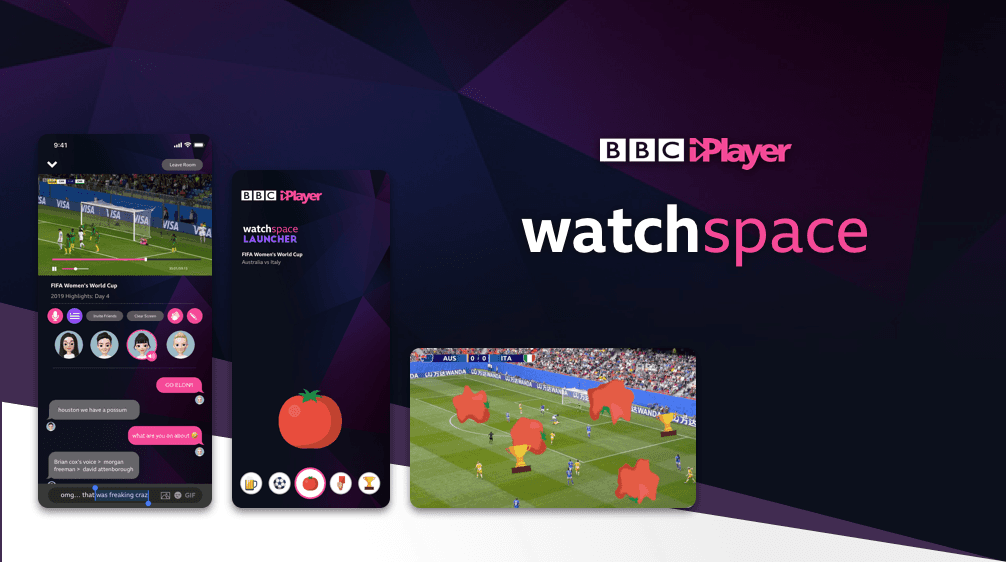
Working with BBC design and product teams, we developed Watchspace: concepts and prototypes for mobile, web and TV. The central challenge was adding social interaction without getting in the way of watching.
The work was reviewed with the BBC team as a proposal; it was not released in iPlayer.
Younger viewers
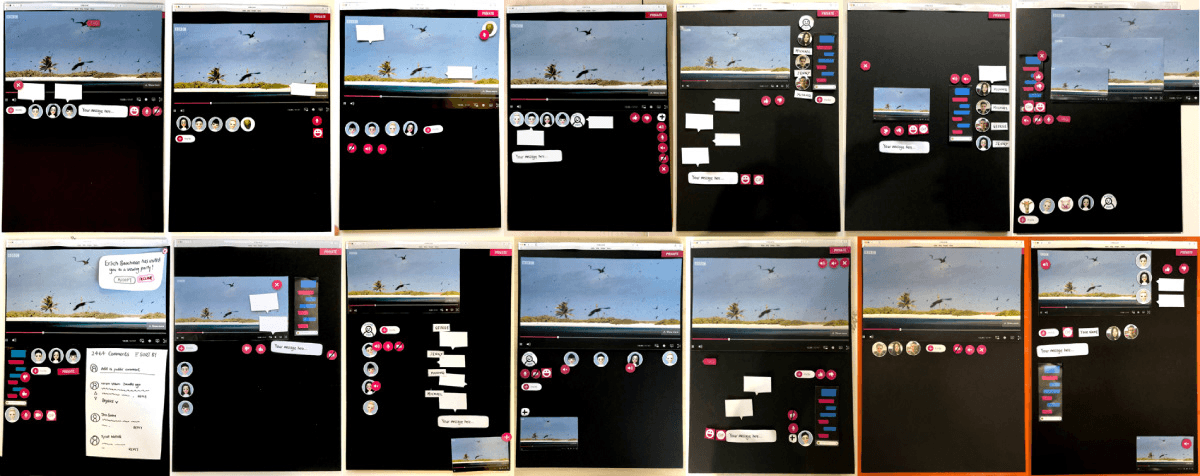
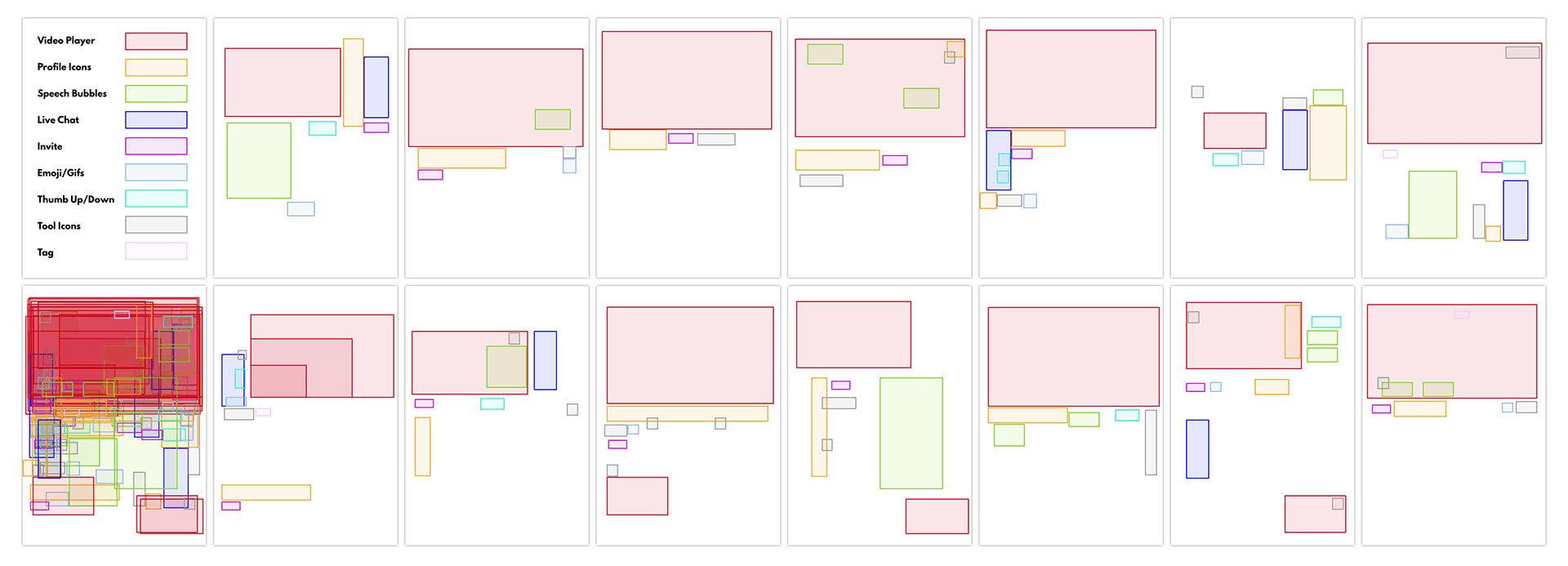
We focused on viewers aged 16 to 34. Paper layouts let participants arrange video, chat, reactions and friends' profiles themselves, making their expectations visible before we committed to an interface.
Social controls had to leave room for the programme. We also needed to consider accessibility and the different inputs and viewing distances on phones, computers and TVs.
Three ways to watch together
- Quick reactionsSend an emoji in response to a moment.
- ConversationChat with friends beside the programme.
- Synchronised playbackKeep friends on different devices watching the same moment.
Design system
I used Atomic Design to organise buttons, reaction bars, chat panels and viewing controls into reusable components. The shared system kept the prototypes consistent while allowing layouts to adapt by device.
- 01Atoms45+ buttons, icons and inputs.
- 02Molecules28, such as comment cards and reaction bars.
- 03Organisms12, such as chat panels and viewing parties.
- 04Templates6 page layouts and patterns.
Workshops
Workshops and design sprints with BBC design and product stakeholders helped us review feasibility, accessibility and how the concepts would fit the existing service. Paper prototypes let us move controls around and try the phone layouts in hand during those discussions.
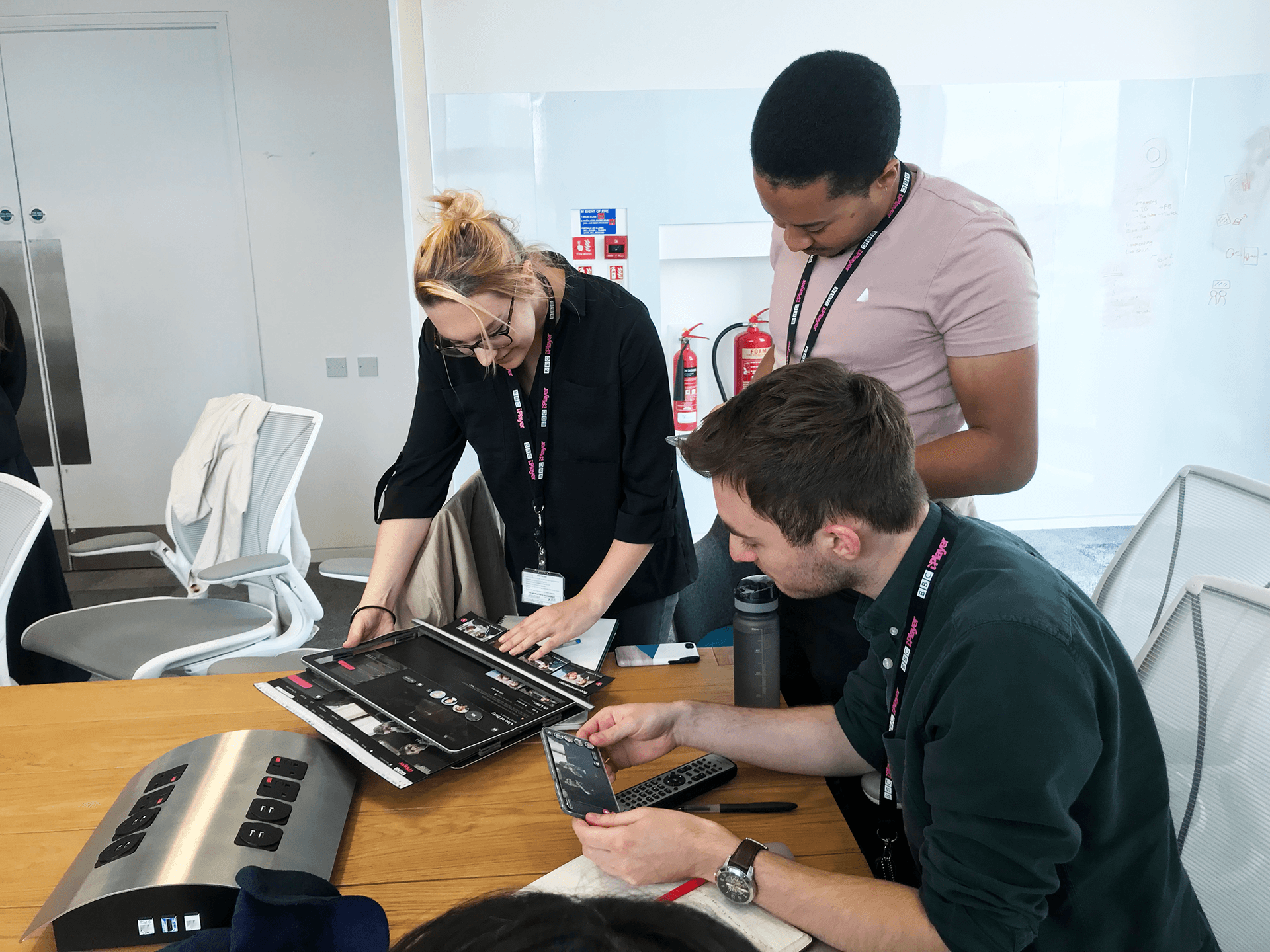
A workshop with the BBC team, working through paper prototypes on a tablet and a phone.
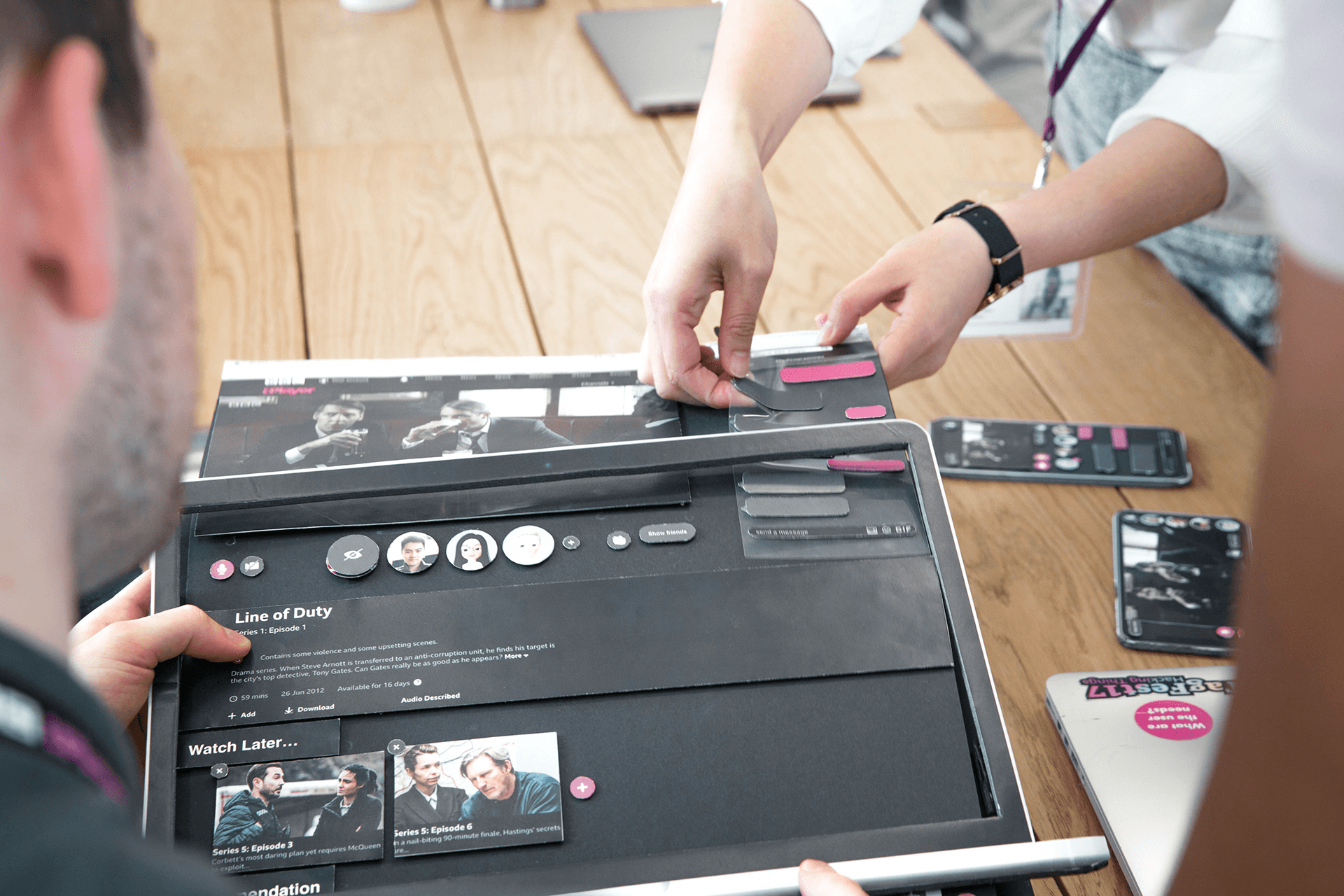
We moved paper pieces of the social features around an iPlayer programme page.
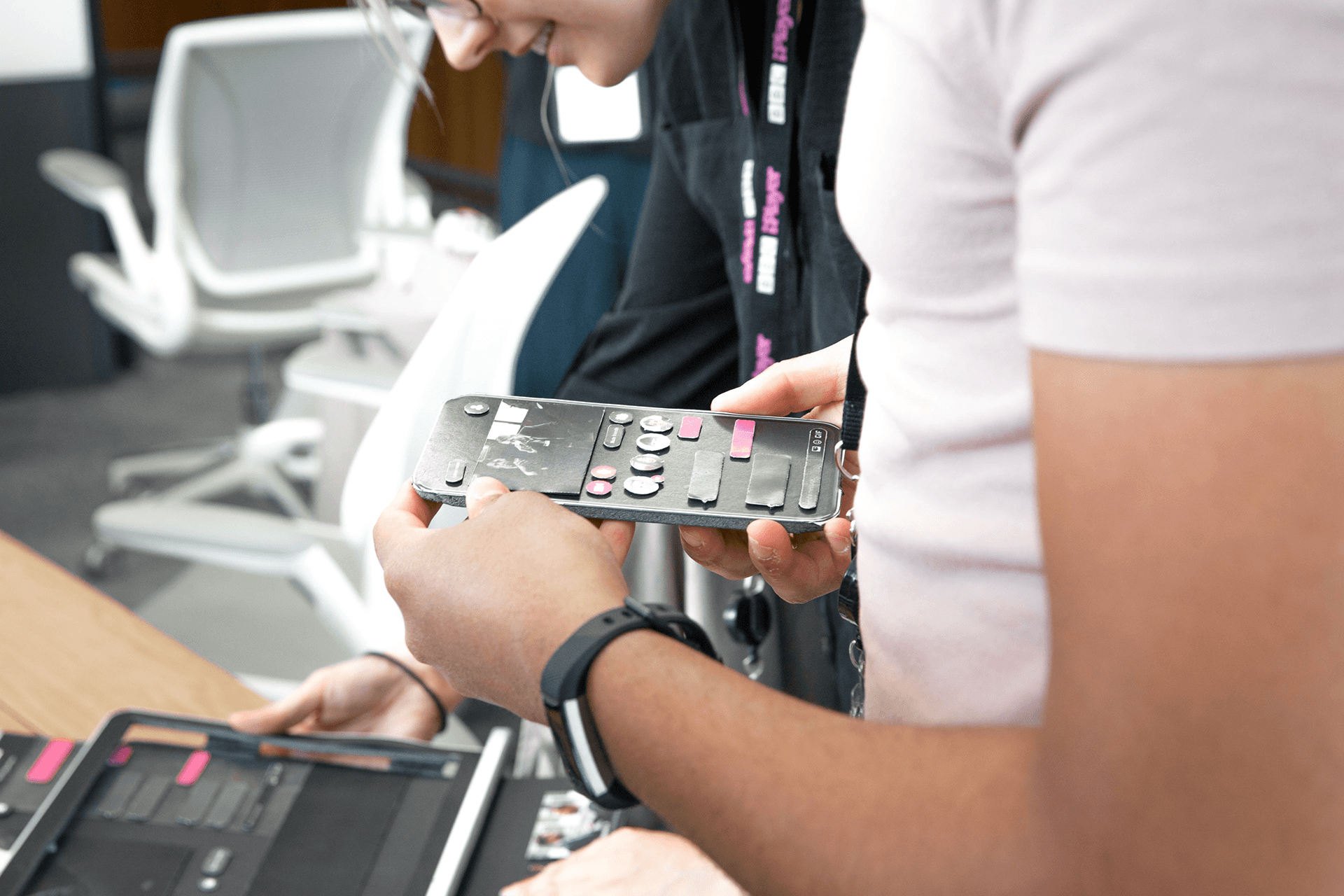
Someone tries a paper version of the phone controls in the hand.
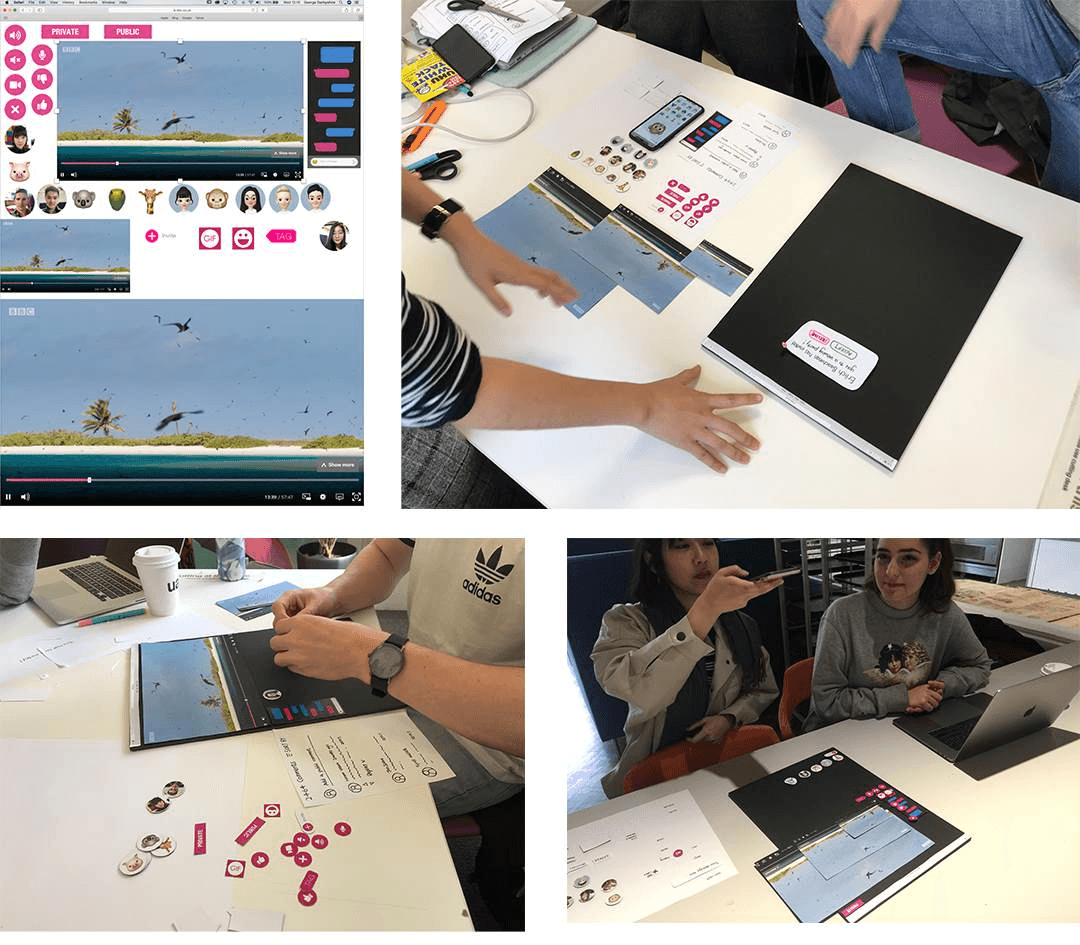
Our paper kit of video, chat, reaction and friend pieces, and participants arranging it into their own layouts.
- Workshops with BBC stakeholders
- 4
- BBC design and product team members involved
- 12
- Design sprints to refine the concepts
- 3
Prototypes
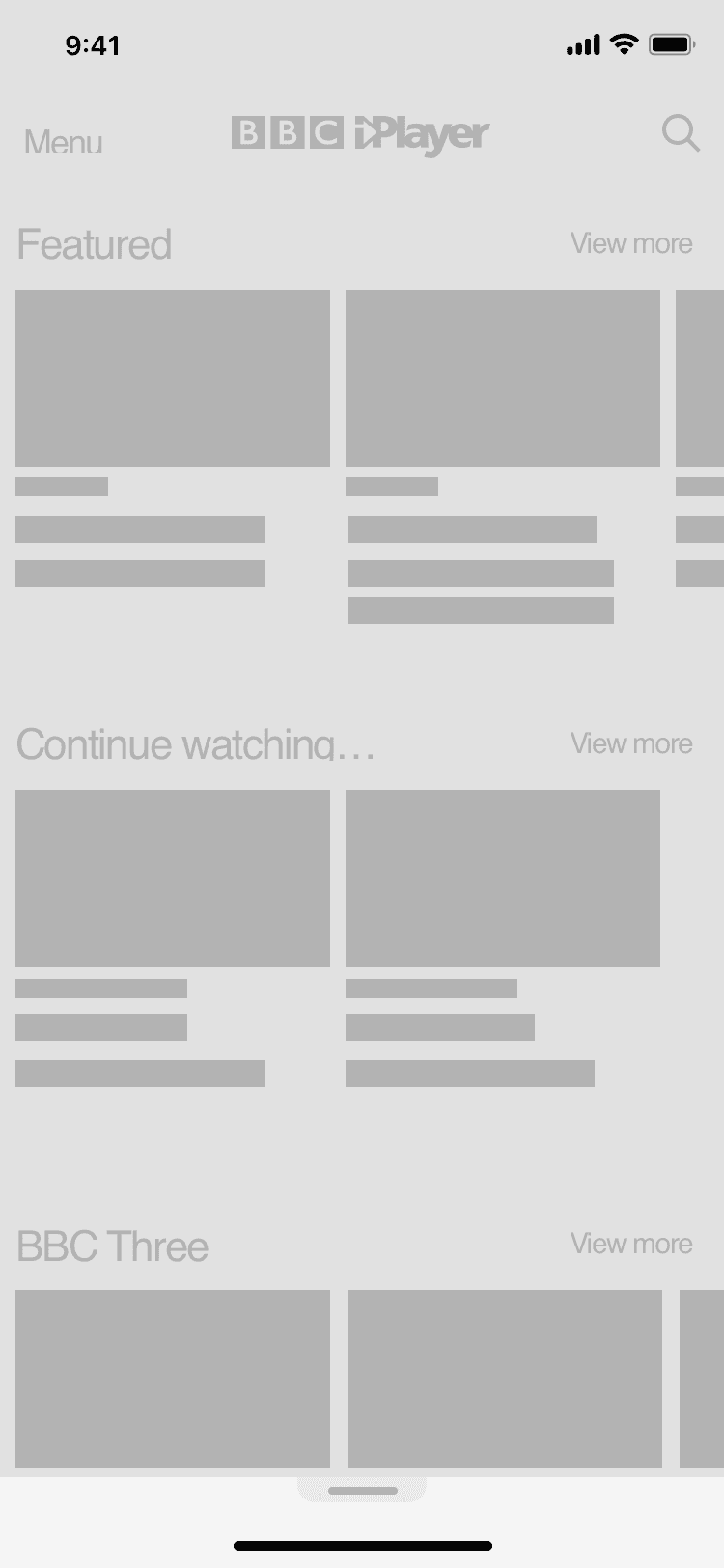
The prototypes explored how social features changed across mobile, web and TV while keeping the programme in view.
On mobile, reactions sat within thumb reach. Web layouts put chat beside the video. For TV, the phone acted as a controller, sending reactions to the larger screen.
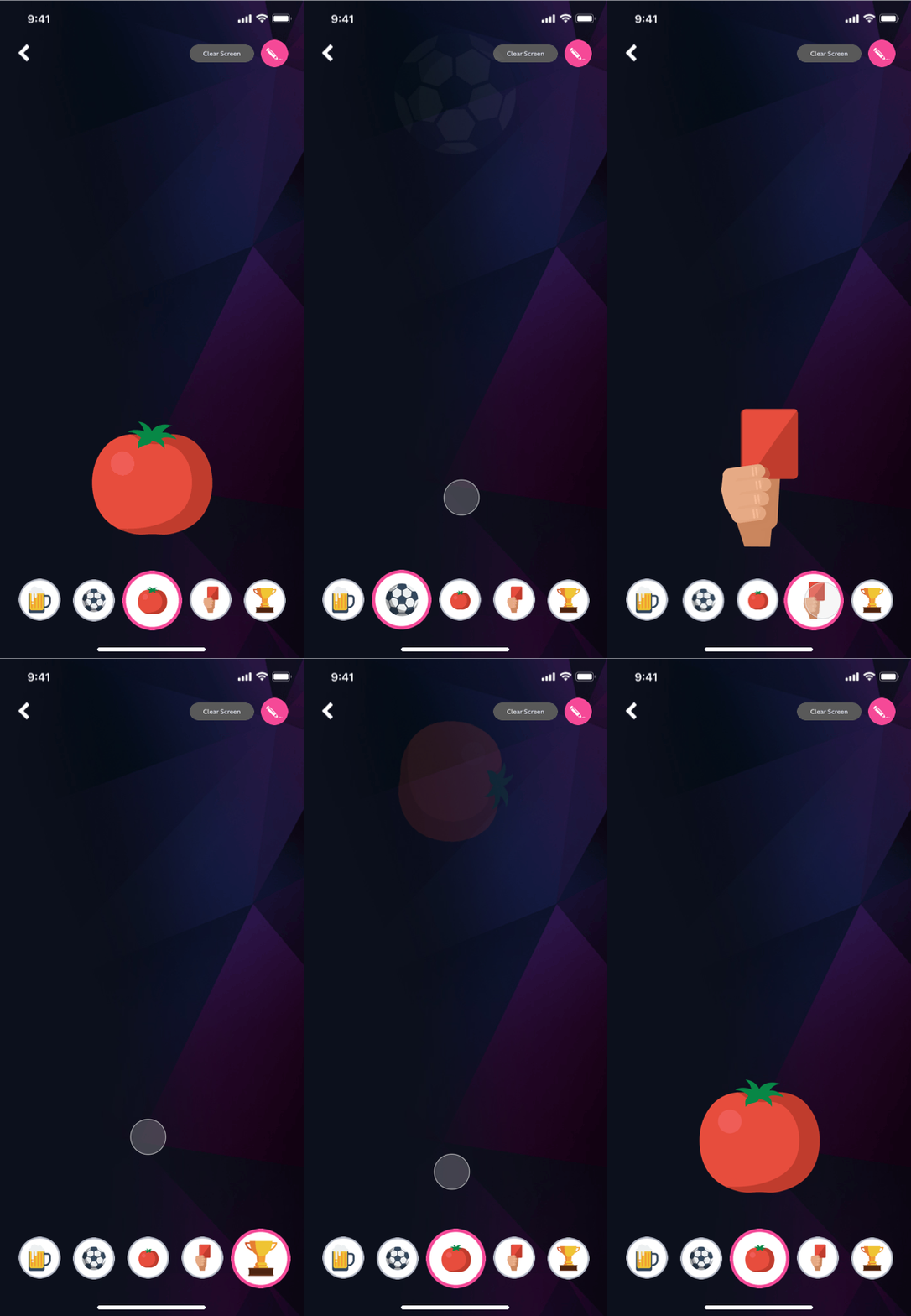
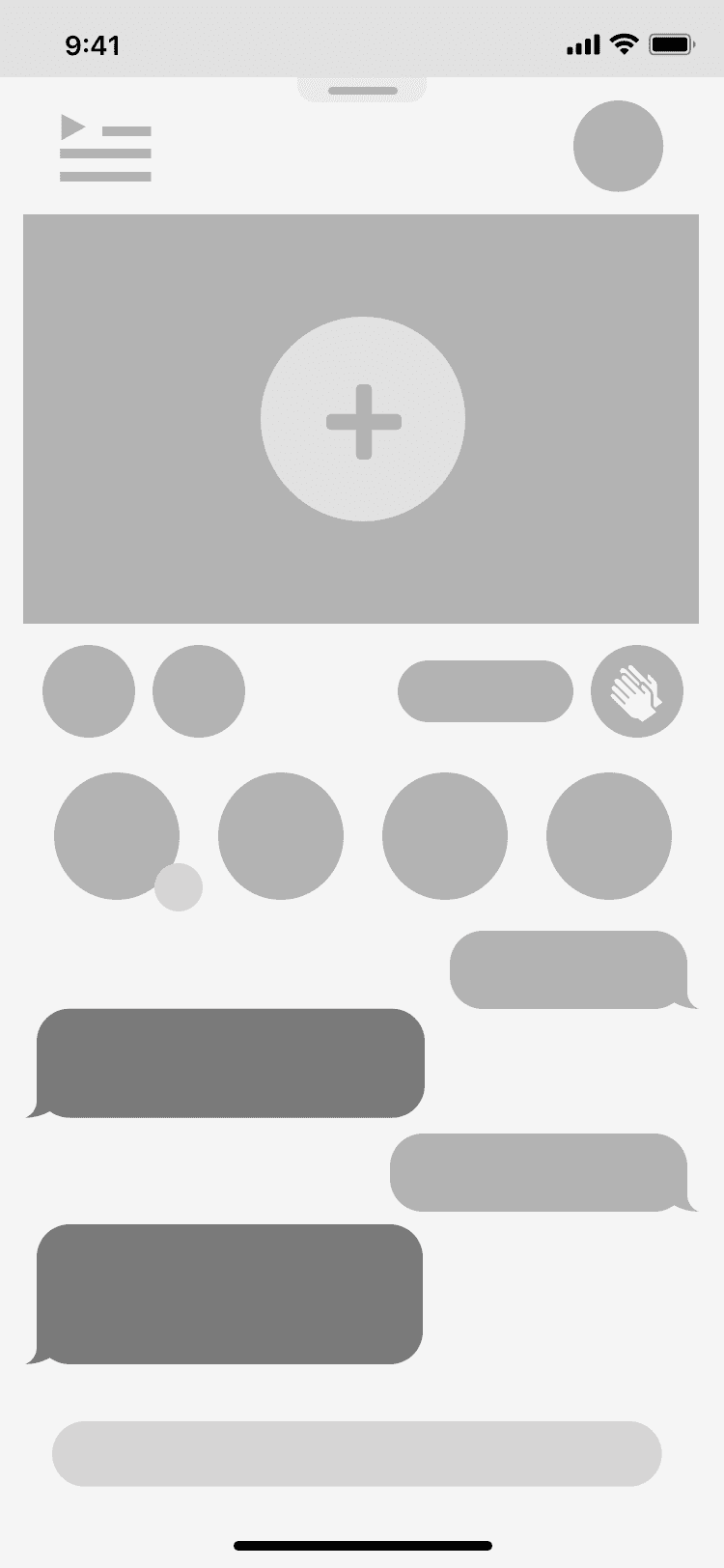
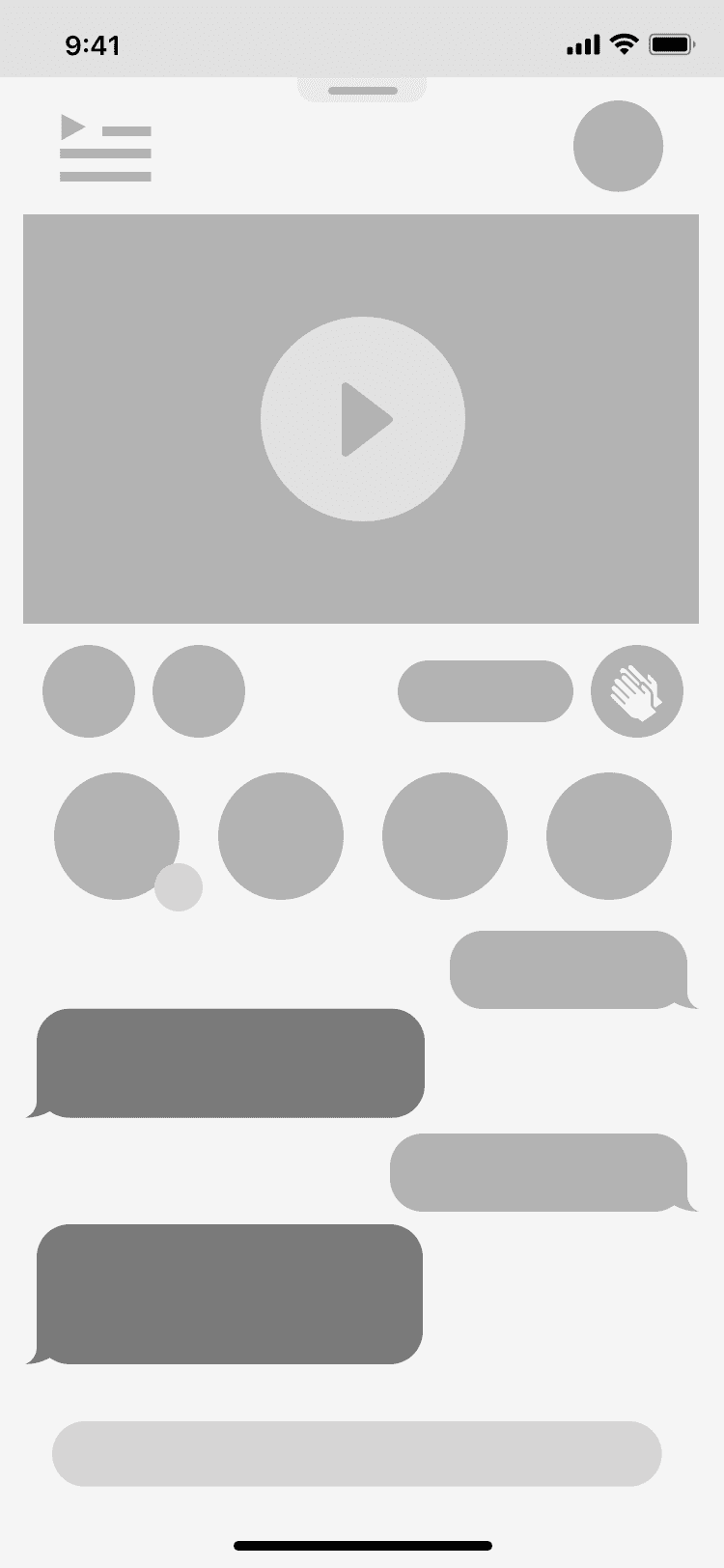
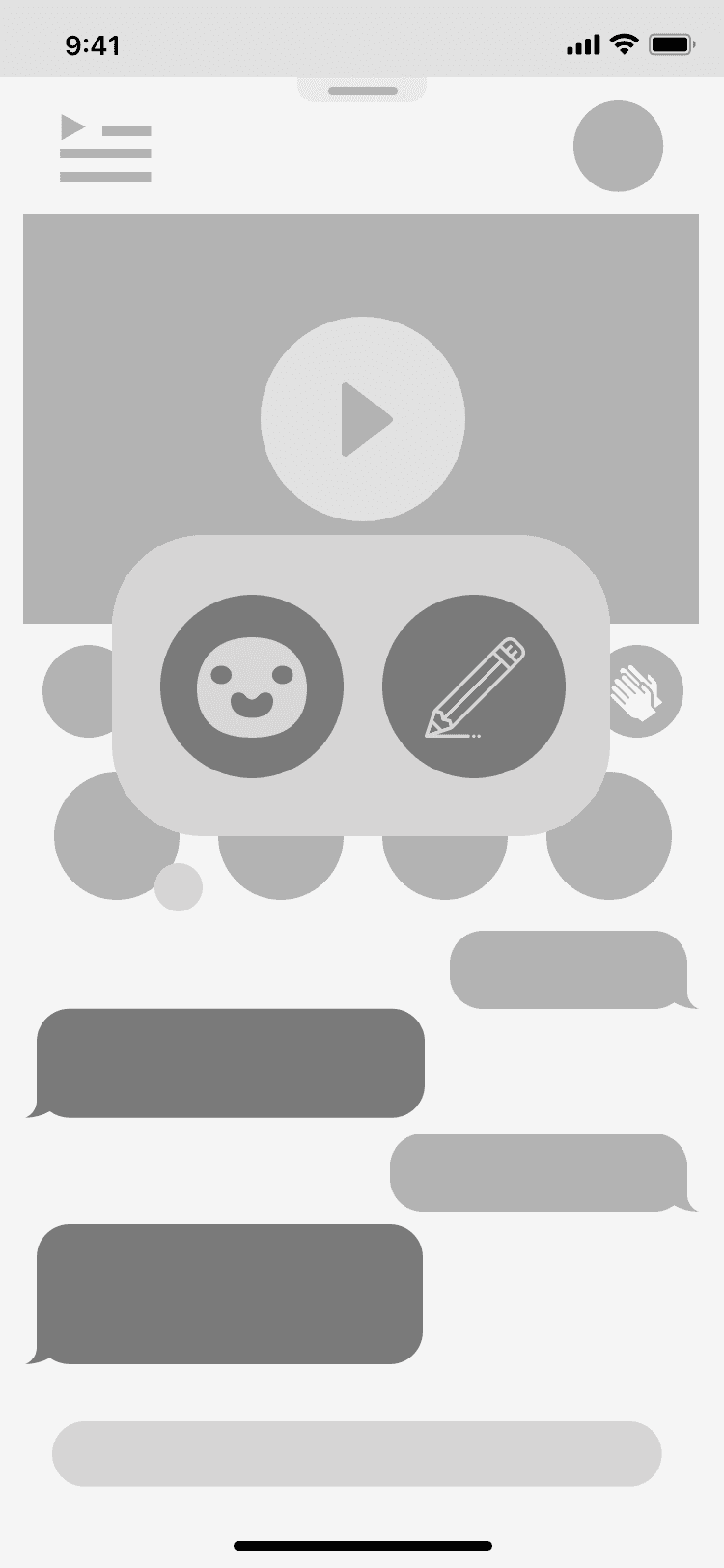
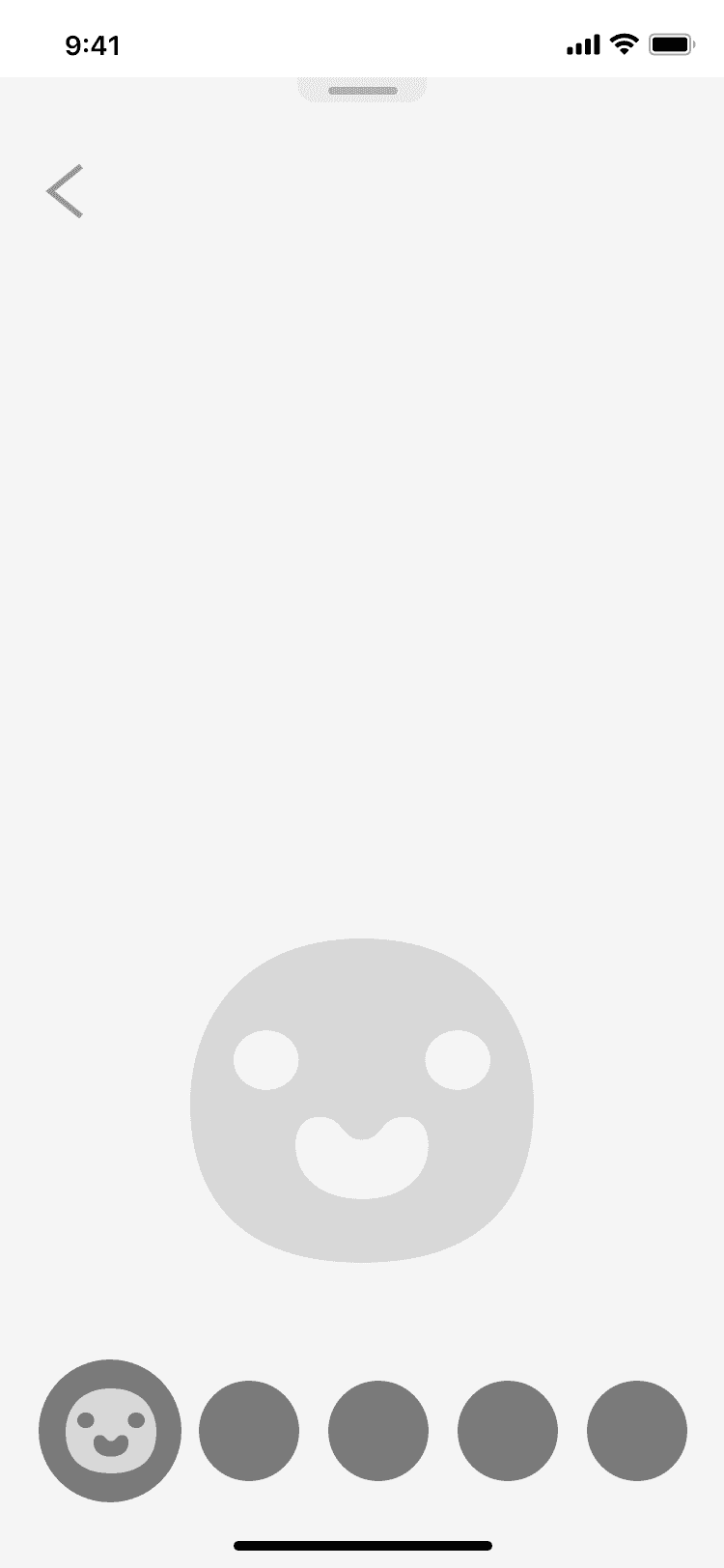
On mobile, viewers send emoji reactions the moment something happens. The reaction bar sits within reach of a thumb.
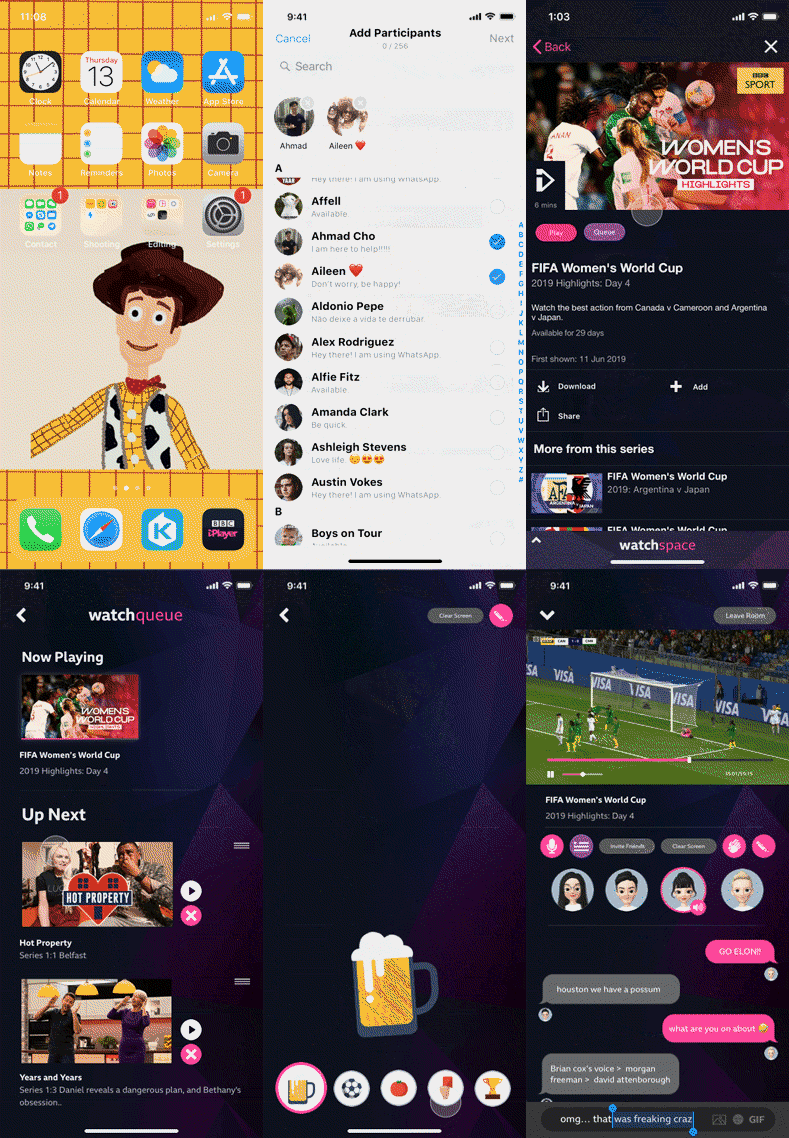
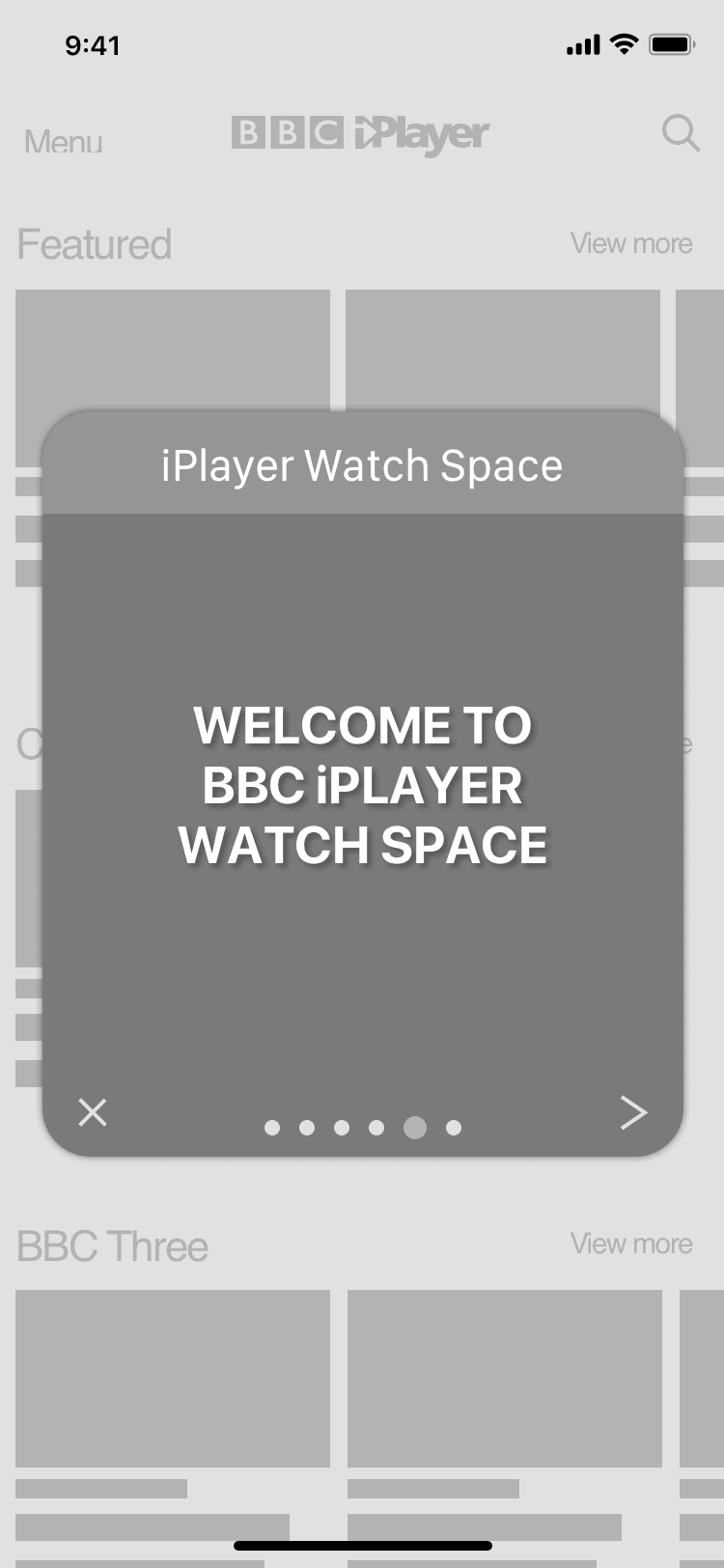
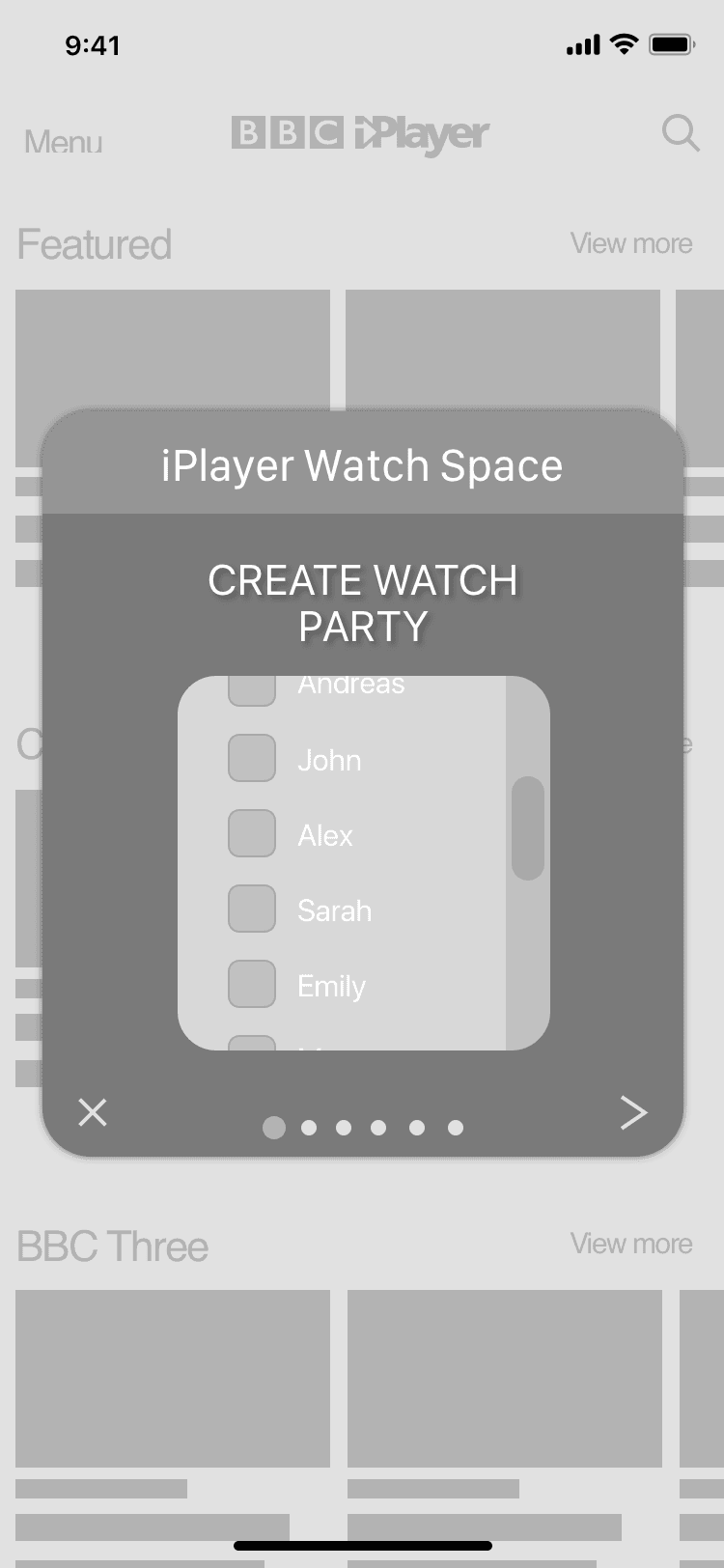
A viewing party on mobile. Viewers invite friends from their contacts, pick a programme and watch it together in sync, chatting as they go.
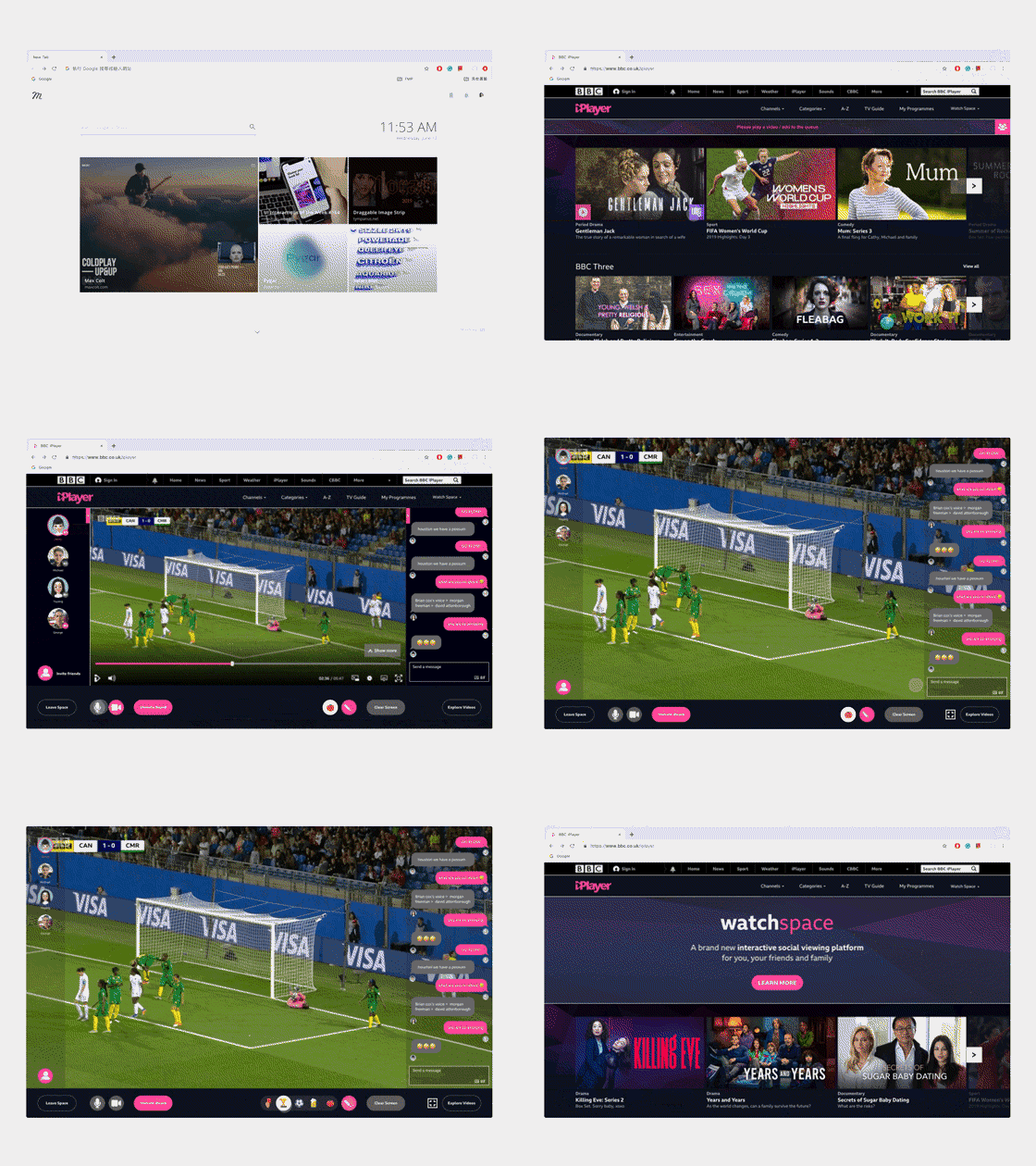
On the web, a chat runs beside the programme. Friends' faces down the side show who is watching, and the discussion is moderated.
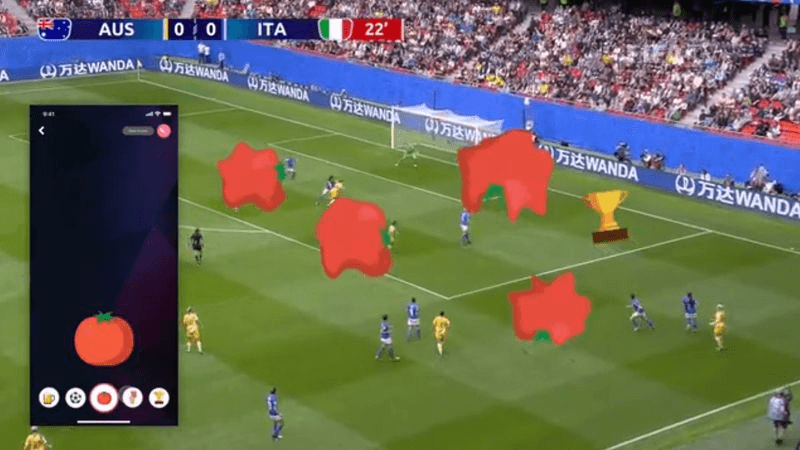
On a TV, the phone works as the controller. Reactions sent from the phone, like tomatoes and a trophy, land on the match on the big screen.
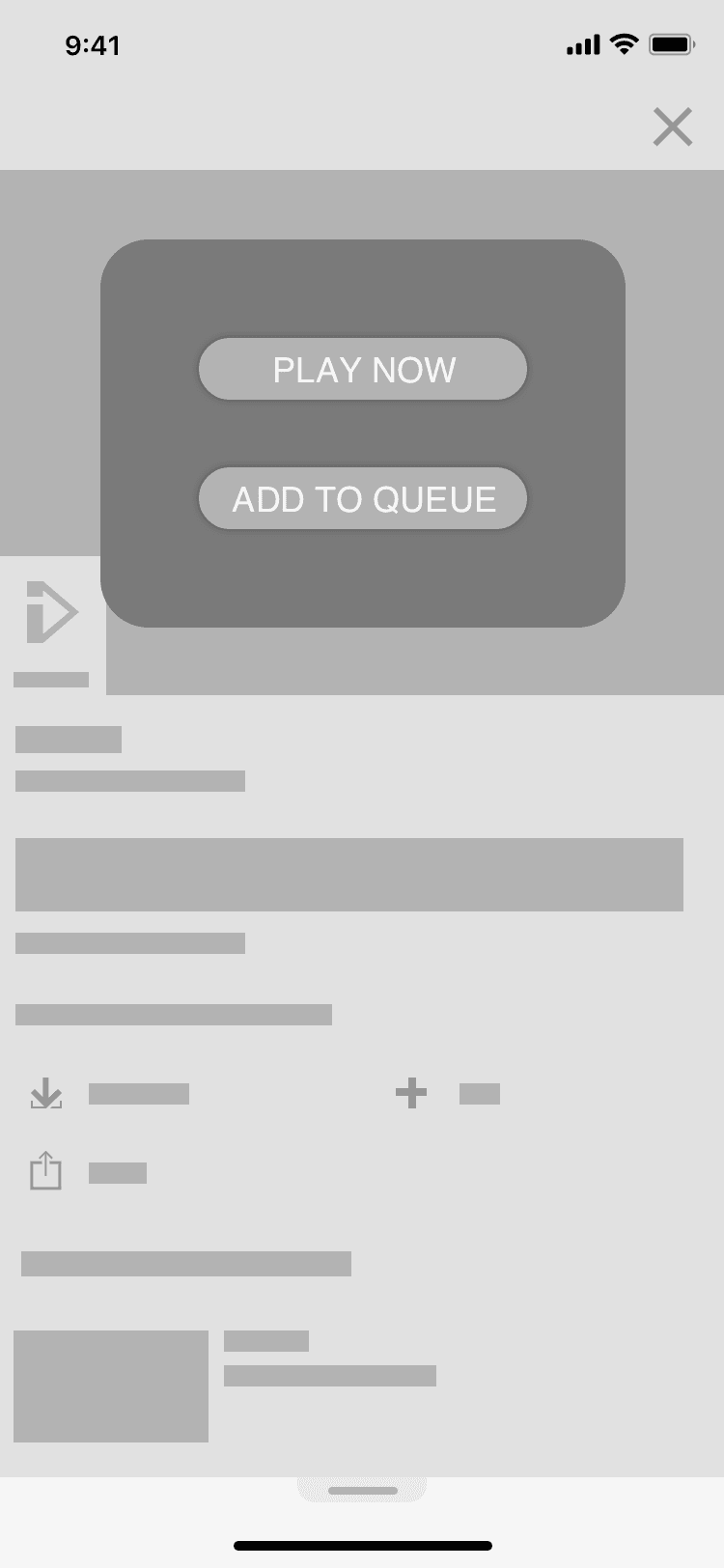
Outcomes
We delivered social viewing concepts, a component system and three interactive prototypes for review with the BBC team. The outcome was an explored proposal, rather than a launched feature or measured change in viewing behaviour.
- Platforms in the design scope
- 4
- Organism-level components
- 12
- Interactive prototypes
- 3
- Project duration
- 6 months
Prototypes made the reviews specific: stakeholders could respond to an invitation flow, a chat layout or a reaction on the TV, rather than the general idea of social viewing.
What I learned
- Working within a public serviceAudience appeal had to be considered alongside accessibility and the existing viewing experience.
- Designing across devicesA shared component system still needed different layouts and behaviours for touch, mouse and TV viewing.
- Making reviews concreteWorking prototypes helped connect design decisions to feasibility questions and trade-offs.