Bluehour is a photo editor I designed and built on my own. You type what you want, like “a 90s film feel”, and an AI agent edits the photo with the same sliders you'd use.
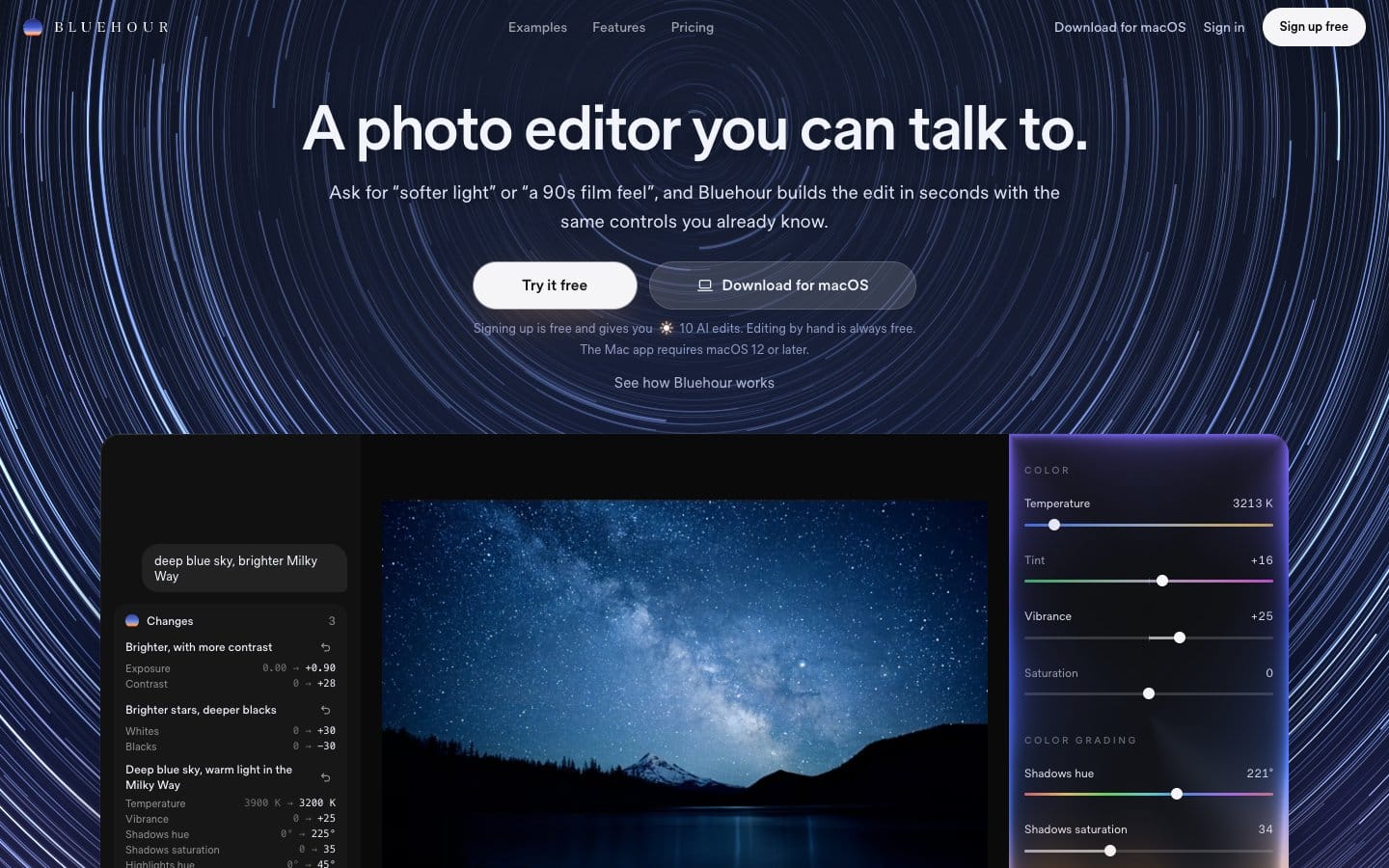
Photographers don't trust AI with their photos. The landing page at itsbluehour.com had to win them over before they scrolled away. I designed the page, brand, pricing and ads.
The challenge
Photographers who shoot RAW want control, and most AI tools take it away. So the page had two rules.
- 01Show the editor at work.No other AI editor's site showed the AI and the person on the same sliders.
- 02Use only real edits.Every before-and-after starts from a real camera file, edited in Bluehour.
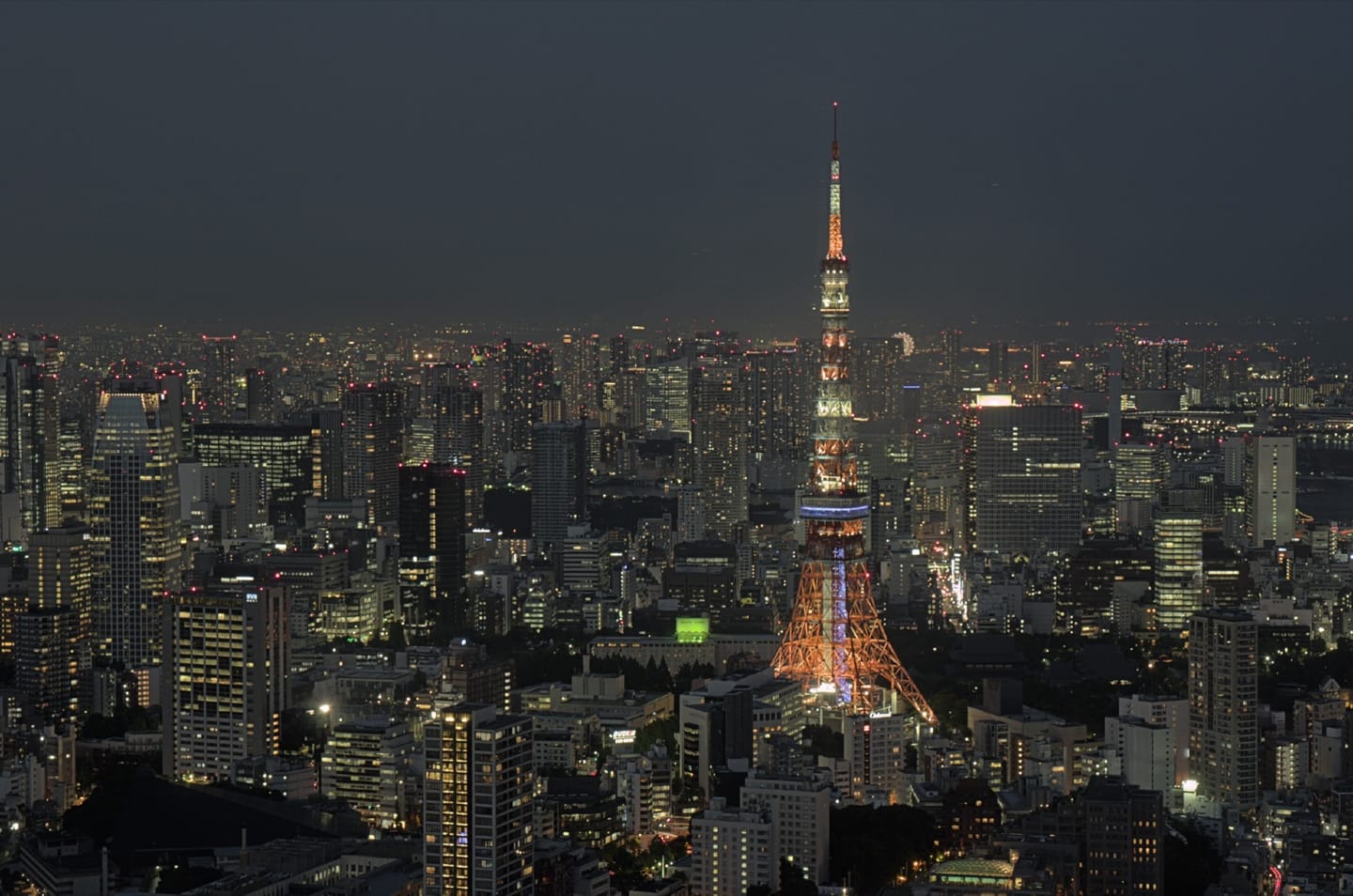
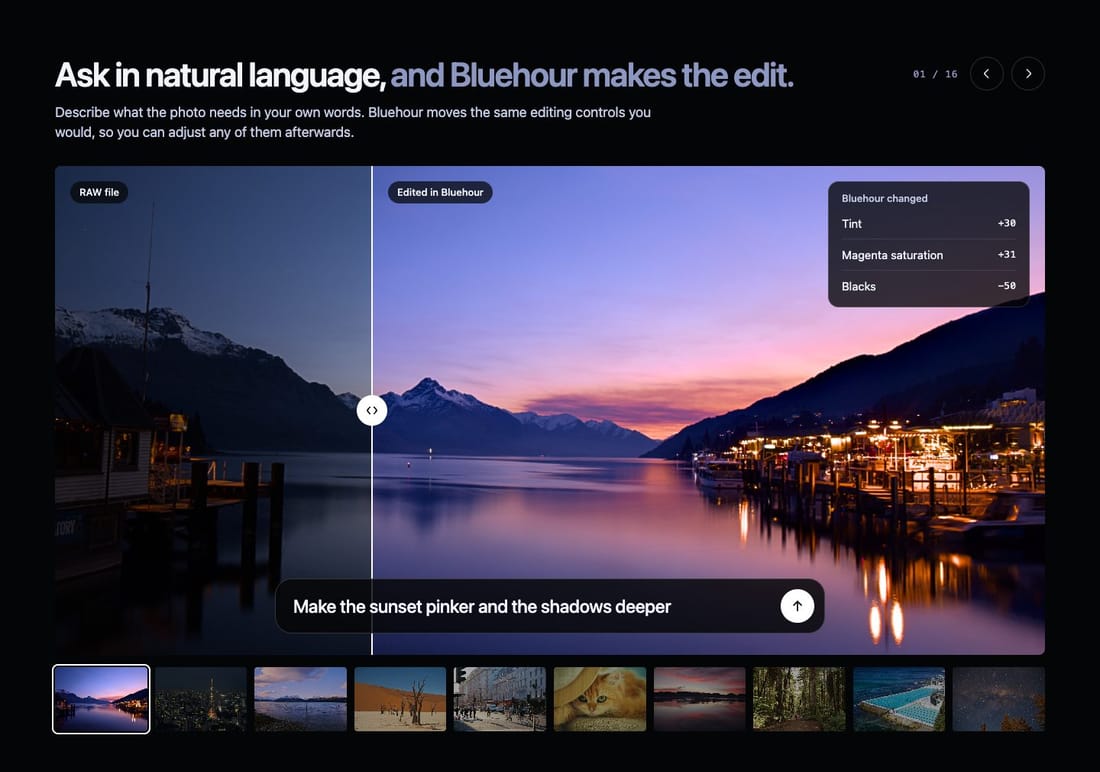
The RAW file, as the camera recorded it.
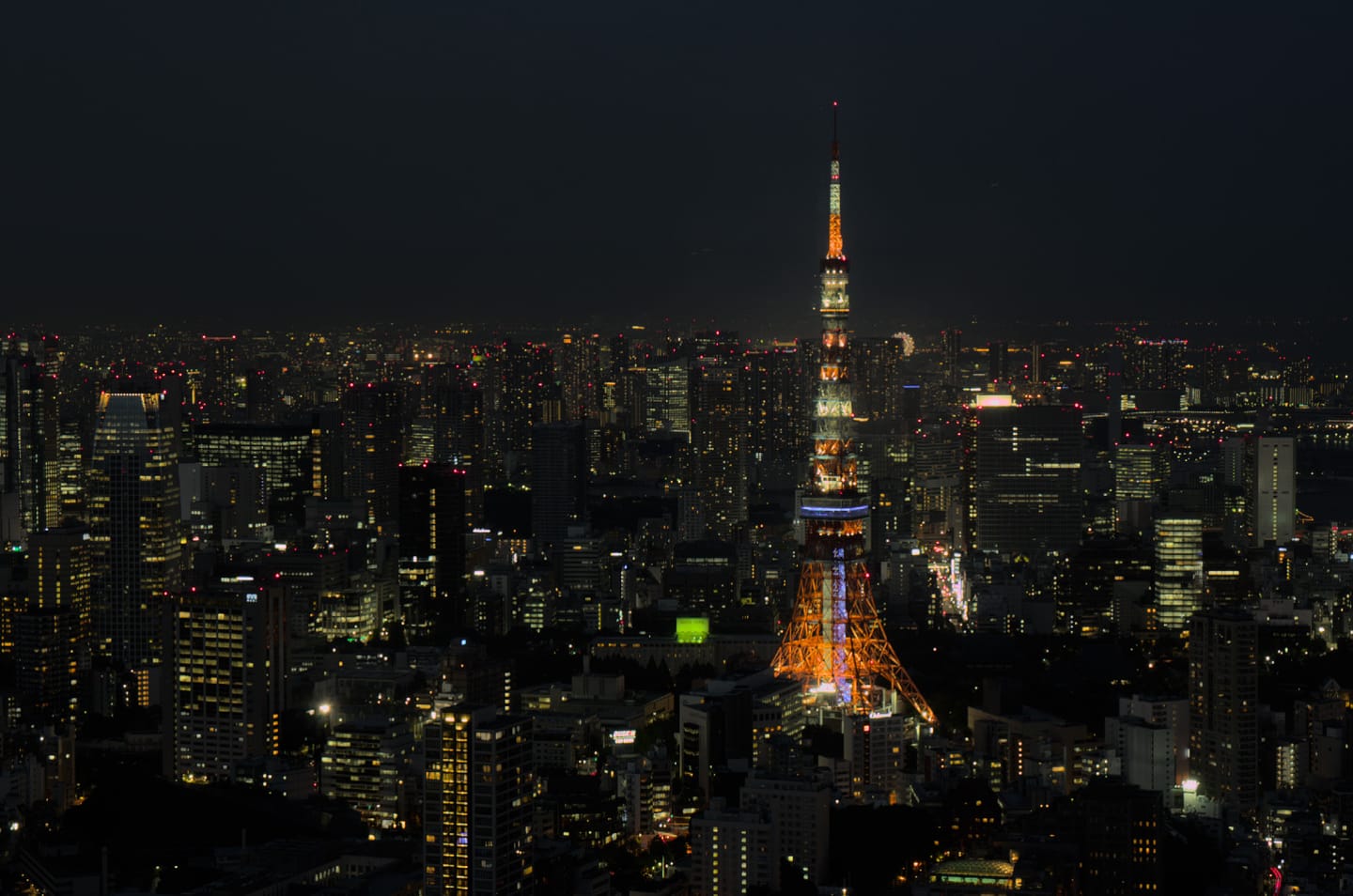
The same file after one typed request.
Brand
The name is the light after sunset. The logo took two rounds: its shape, then its light.
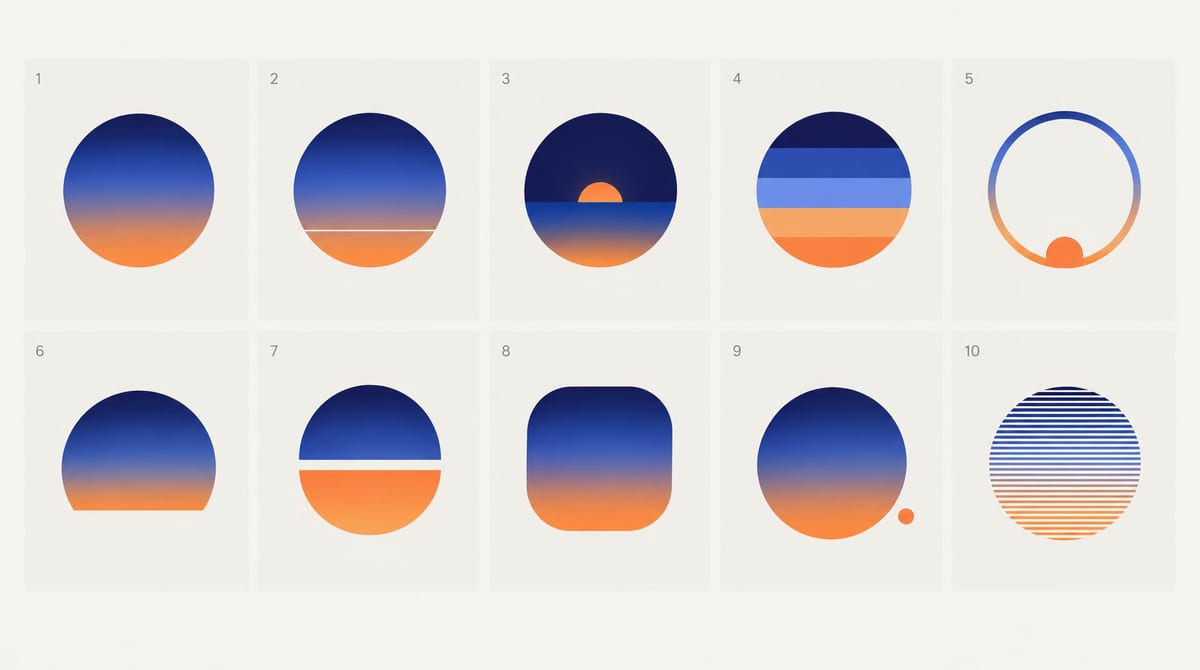
Marks from an image model. The cut disc started here.
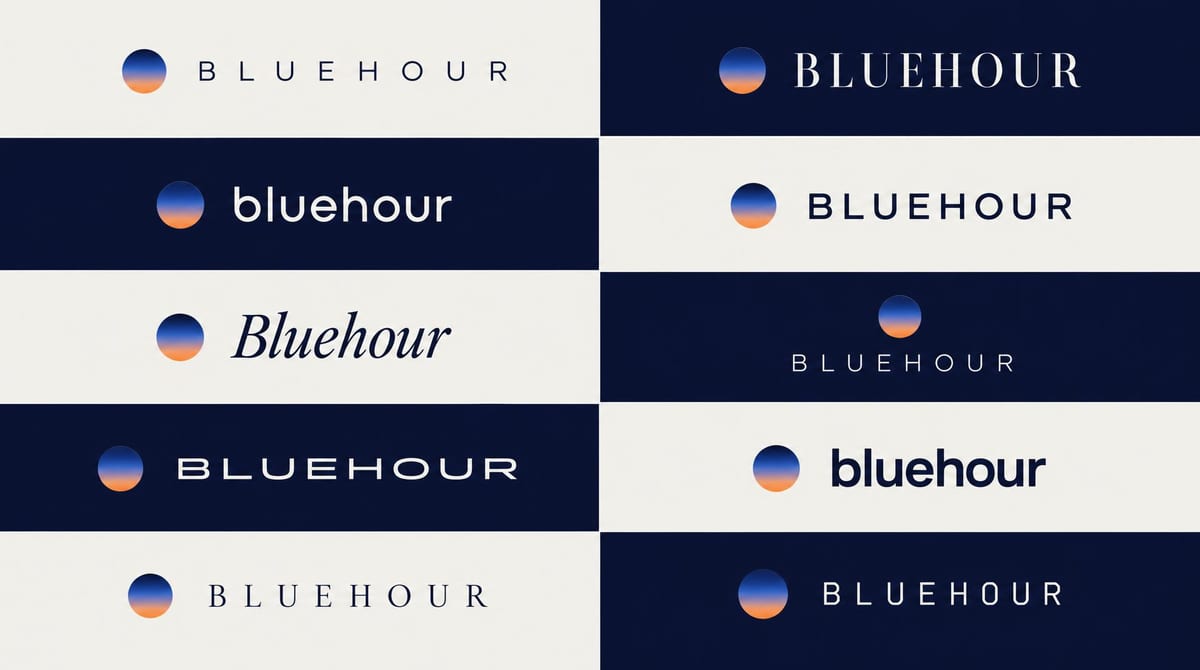
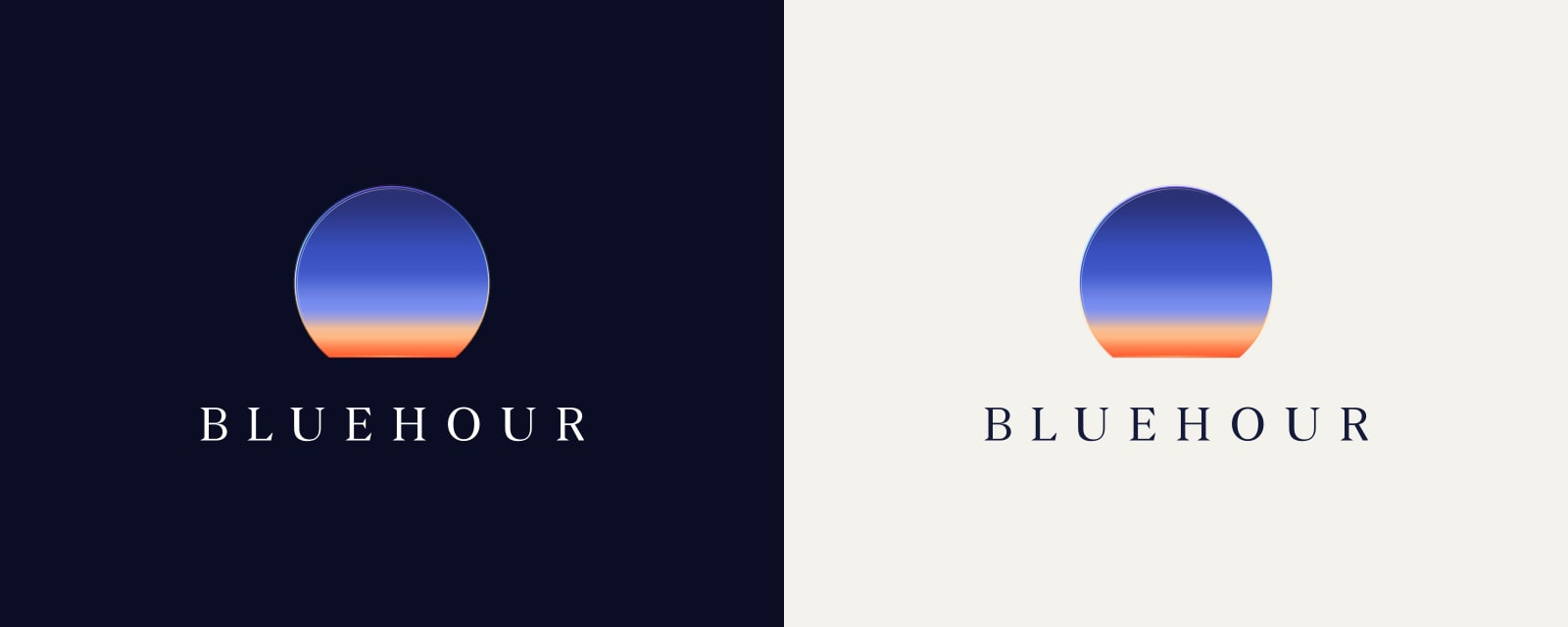
Wordmarks, on navy and on paper.
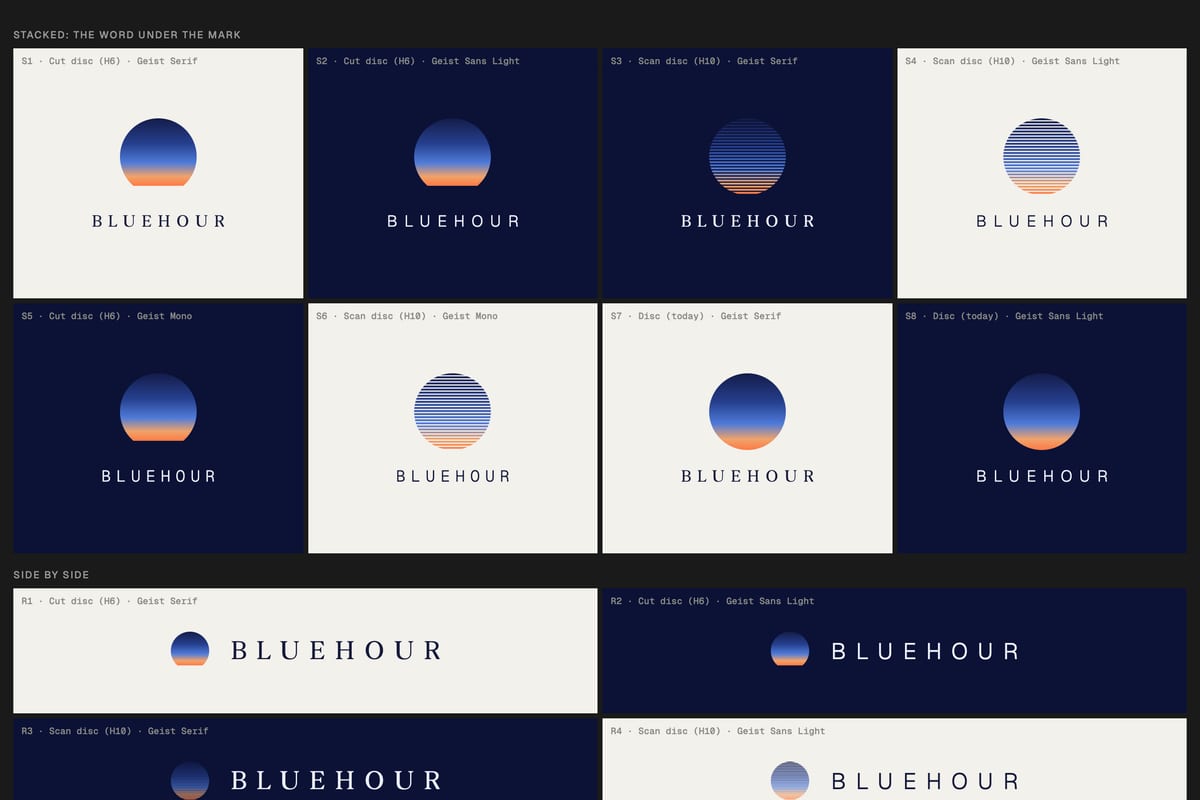
The logo lab set each mark in real type.
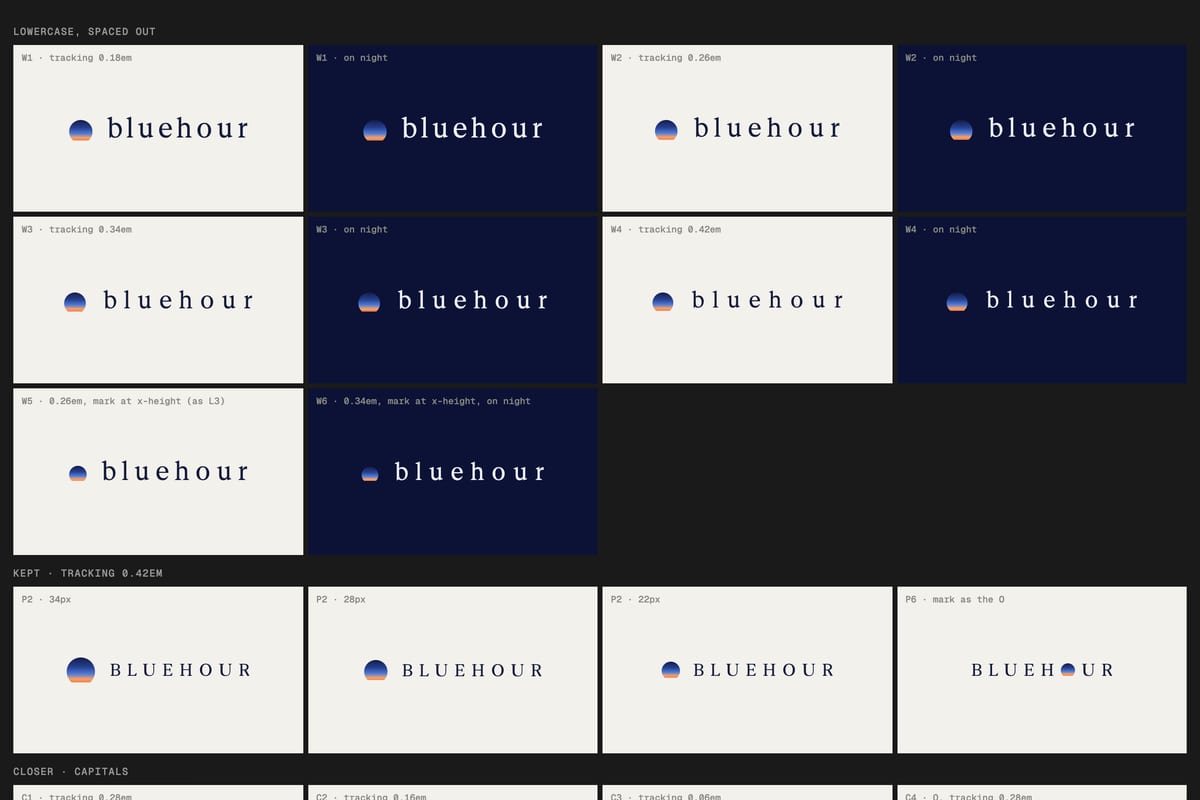
Lowercase was tried and dropped.
The shape, 2 November
The cut disc, with Geist Serif capitals spaced wide.
Two weeks later I explored its light, starting from sunlight through a church window.
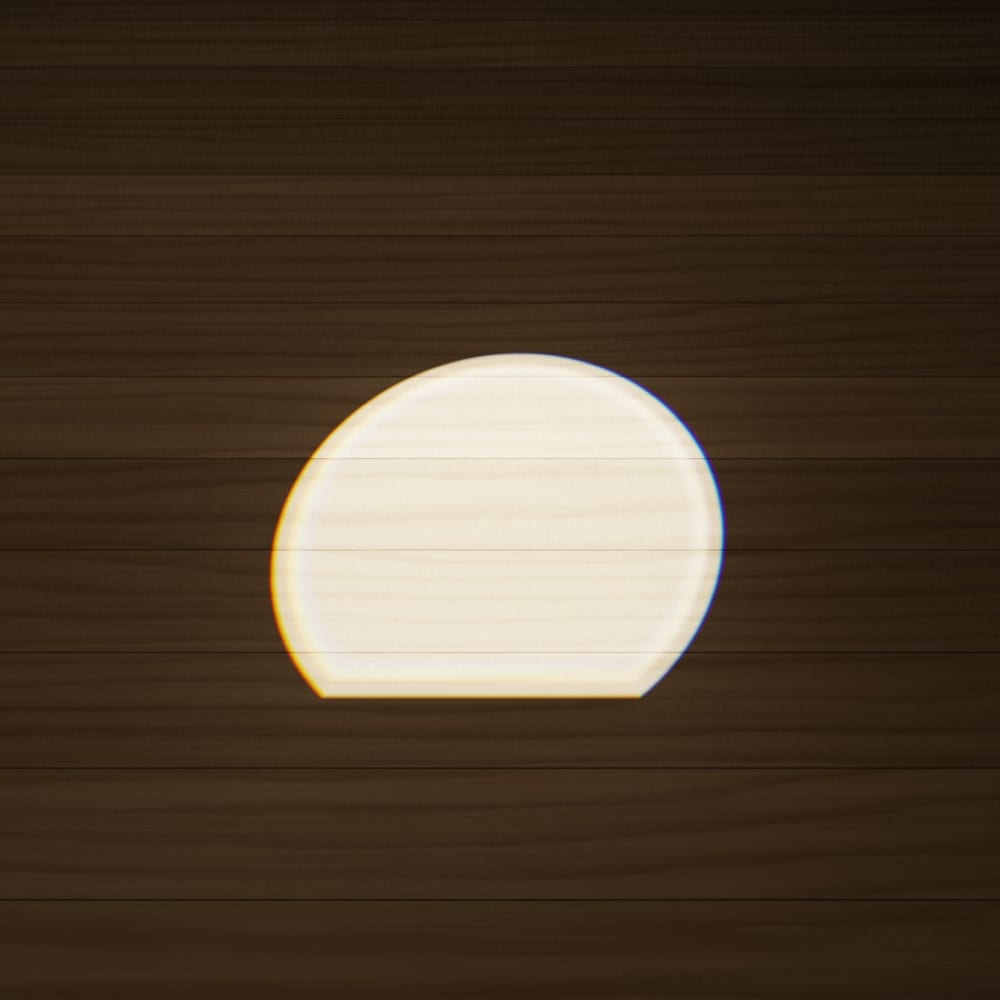
Cast onto wood.
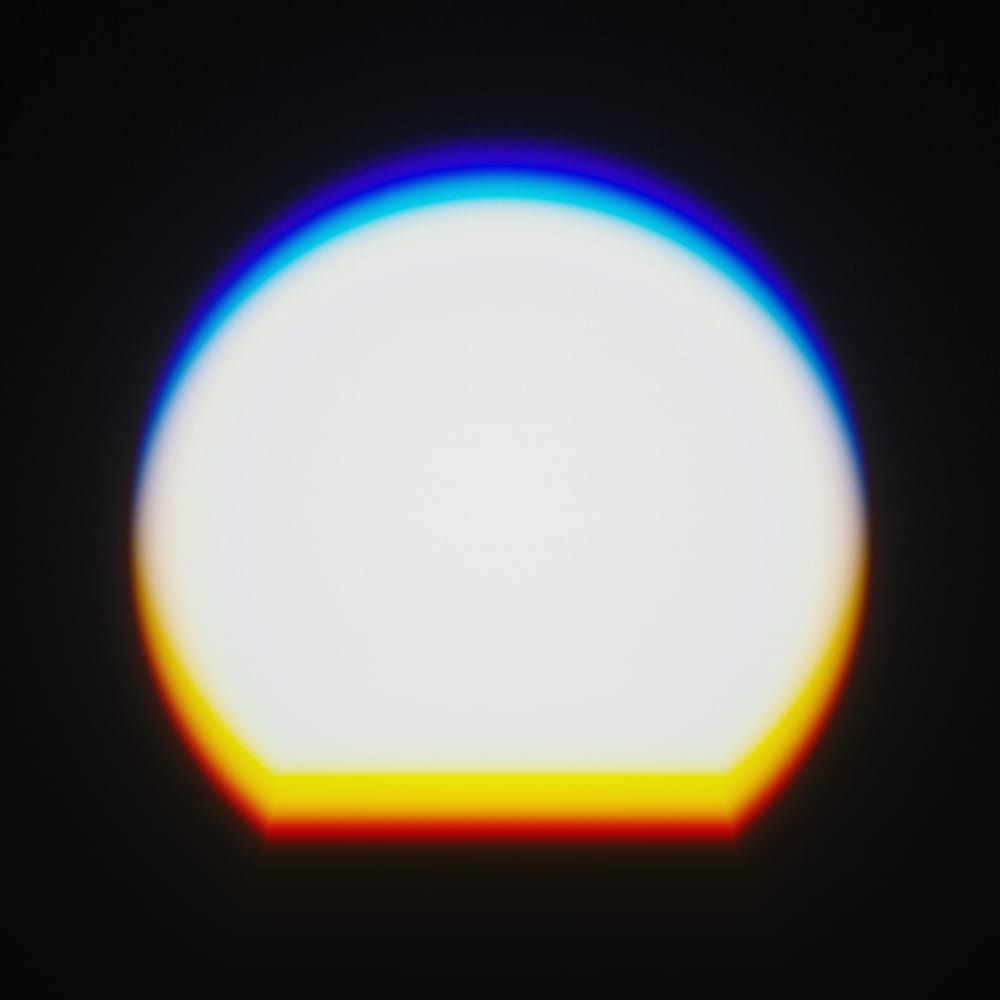
As a beam.

In crystal.

In liquid glass.
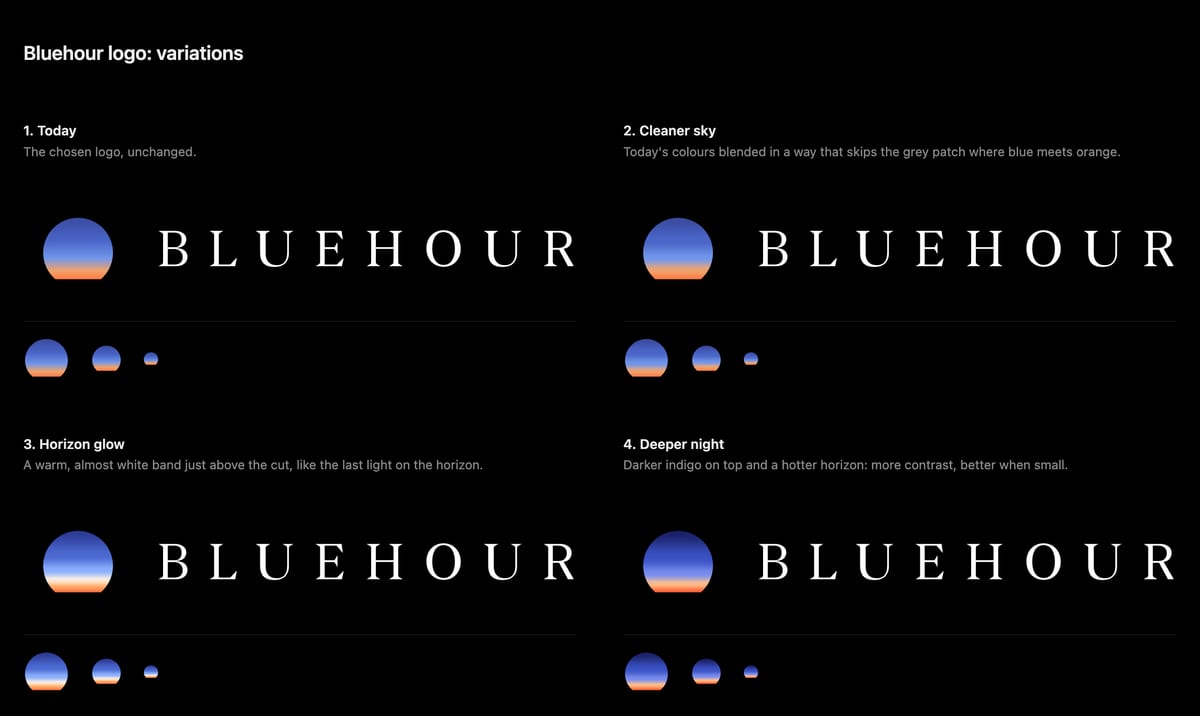
Colour variations.
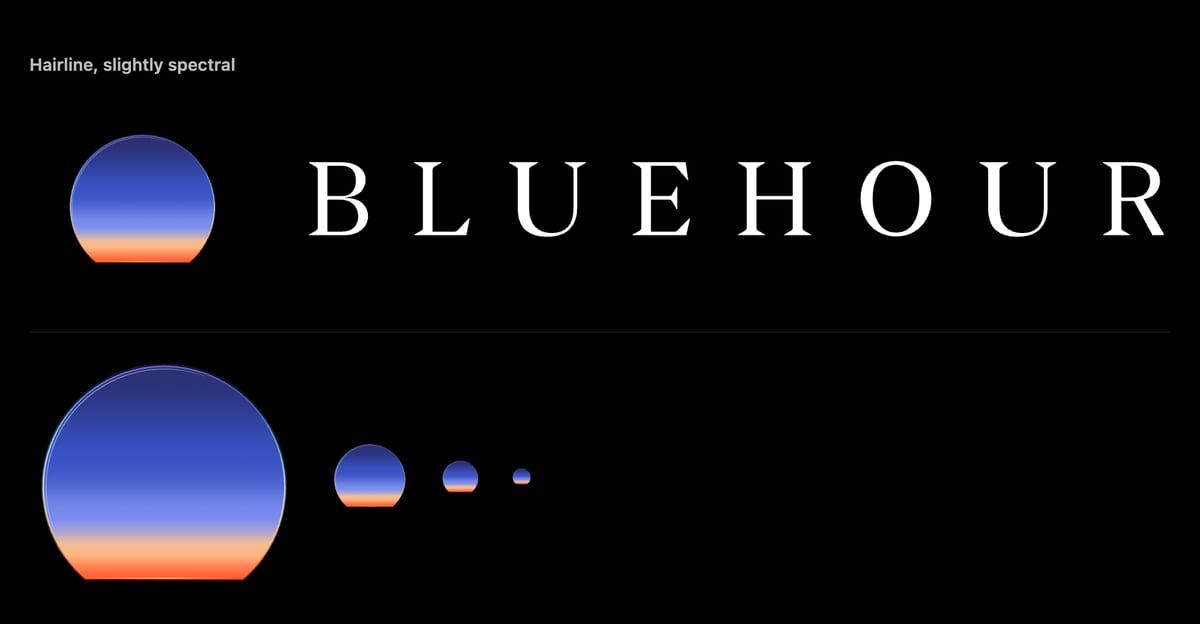
The hairline rim that won.
The light, 18 November
Deeper night colours, with a hairline of split light. One script updated every brand file and app icon.
Directions
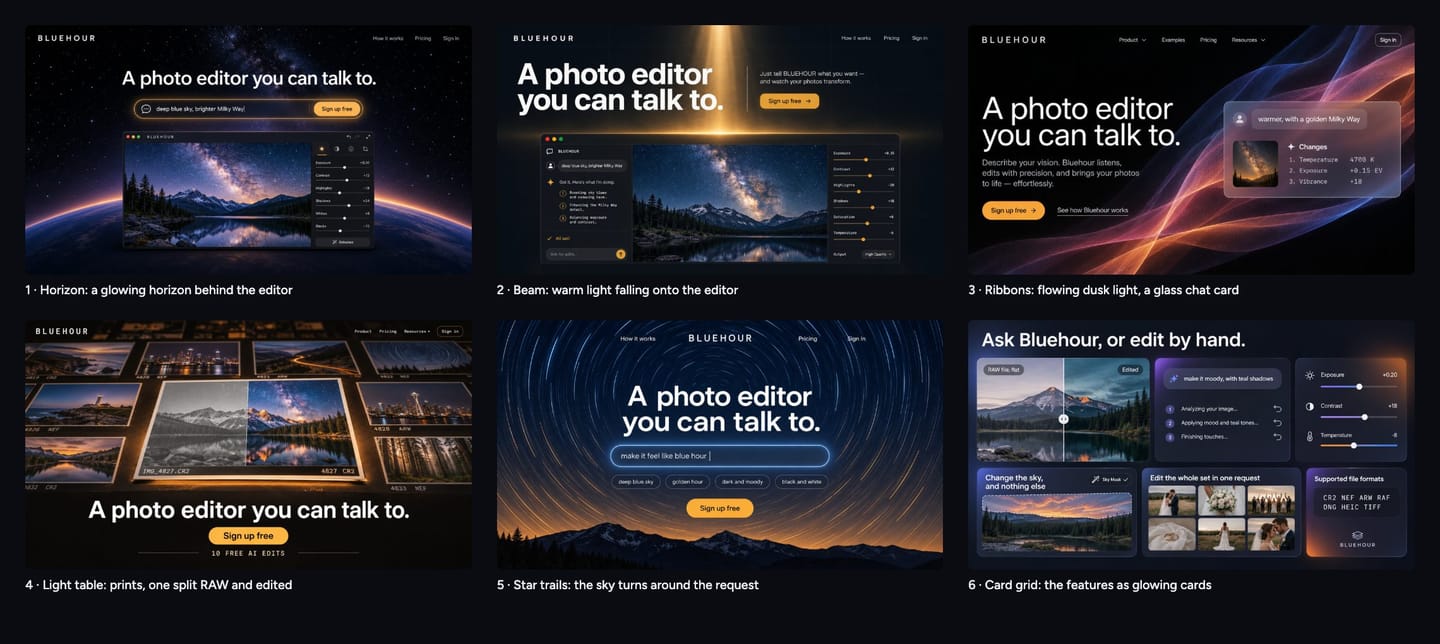
Eight directions for the page, on one canvas, with the same copy and photos.
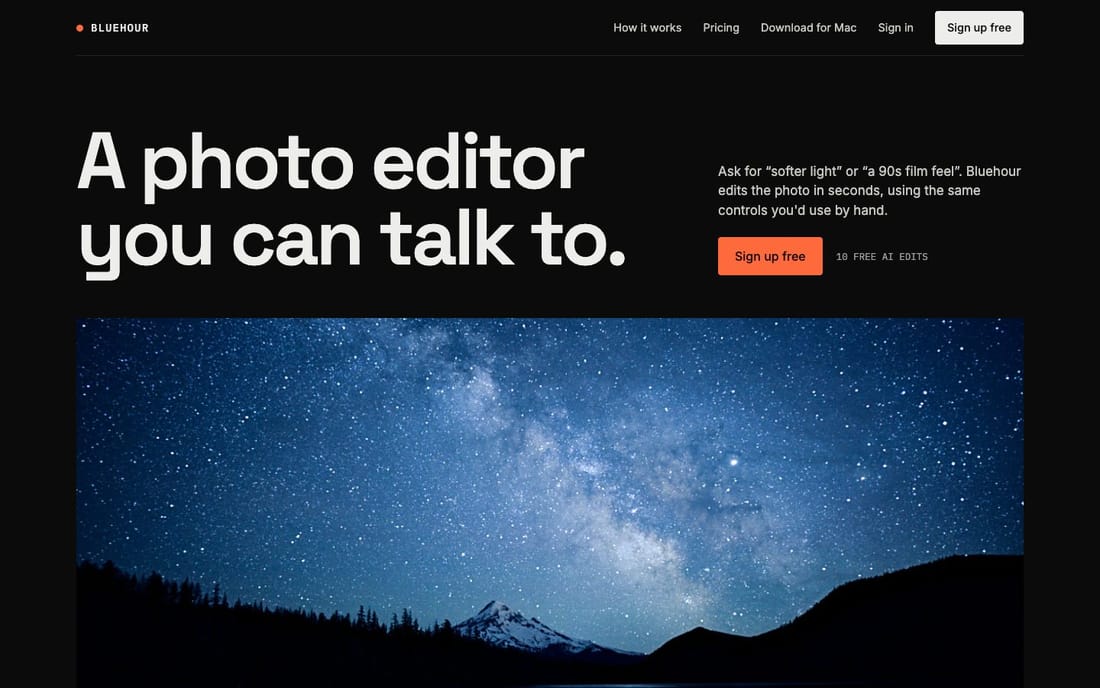
Darkroom goes near-black.
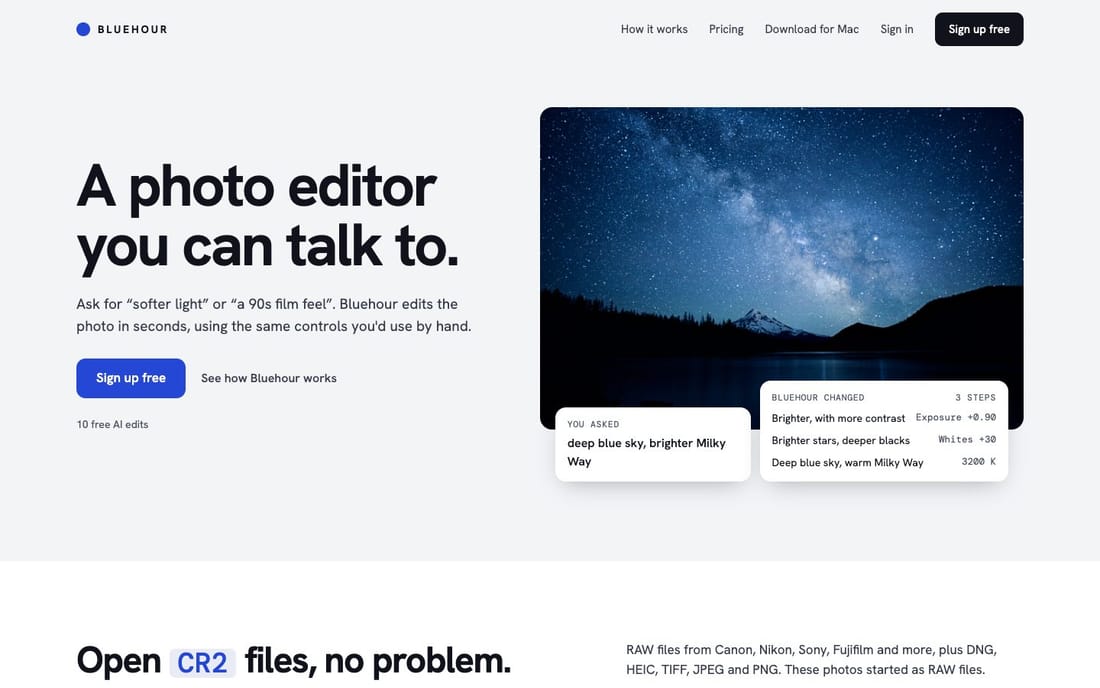
Daylight goes light.
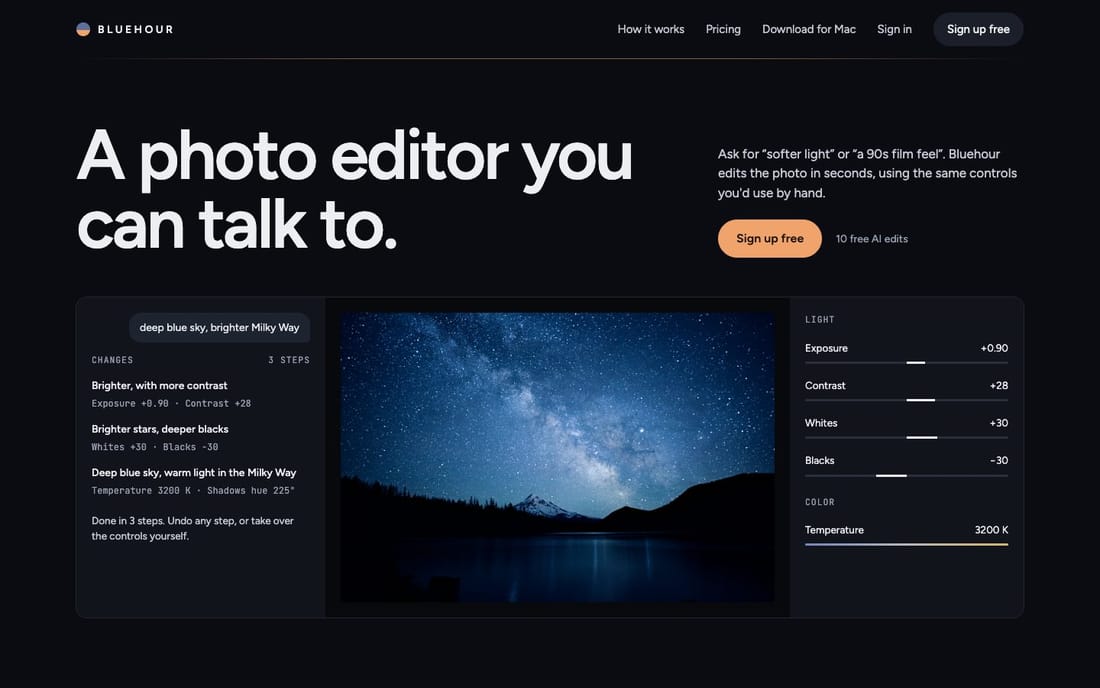
Nightfall keeps the photo as the only blue.
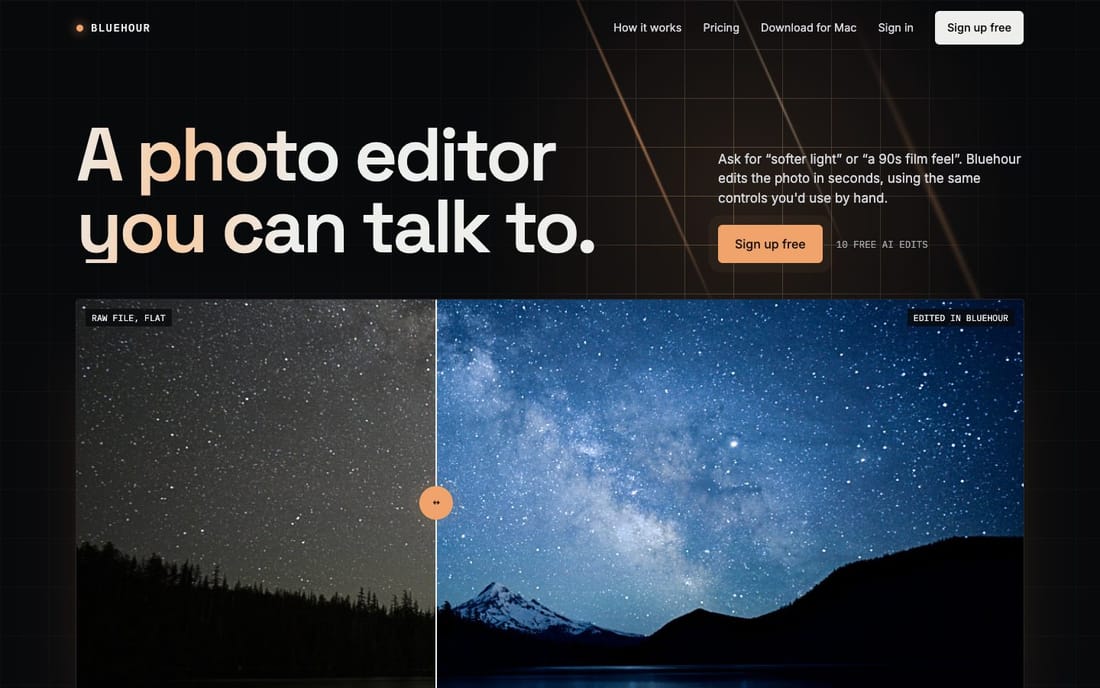
Light table follows the cursor.
Star trails won, from a round of quick mock-ups. The sky changes colour with each edit.
The landing page
Each section answers one question a photographer has.
Does it edit well?
Sixteen RAW files, each with a switch to the edit. The AI edited all sixteen; I kept six of its edits, so only those show a request.
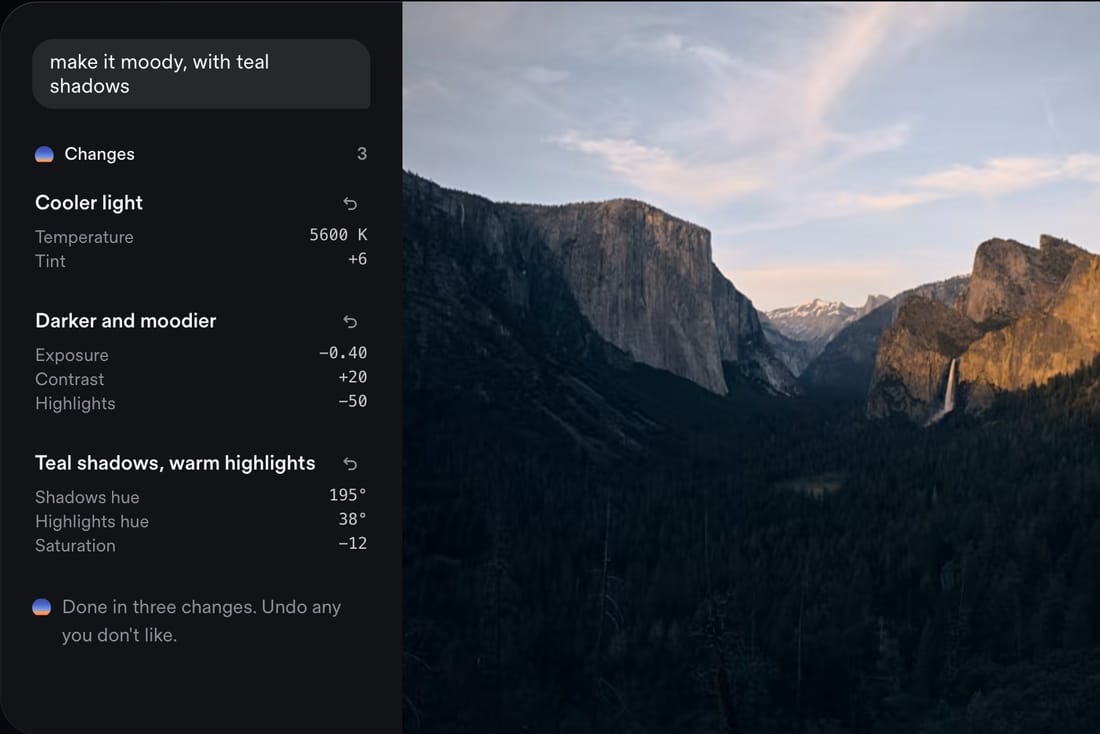
Do I stay in charge?
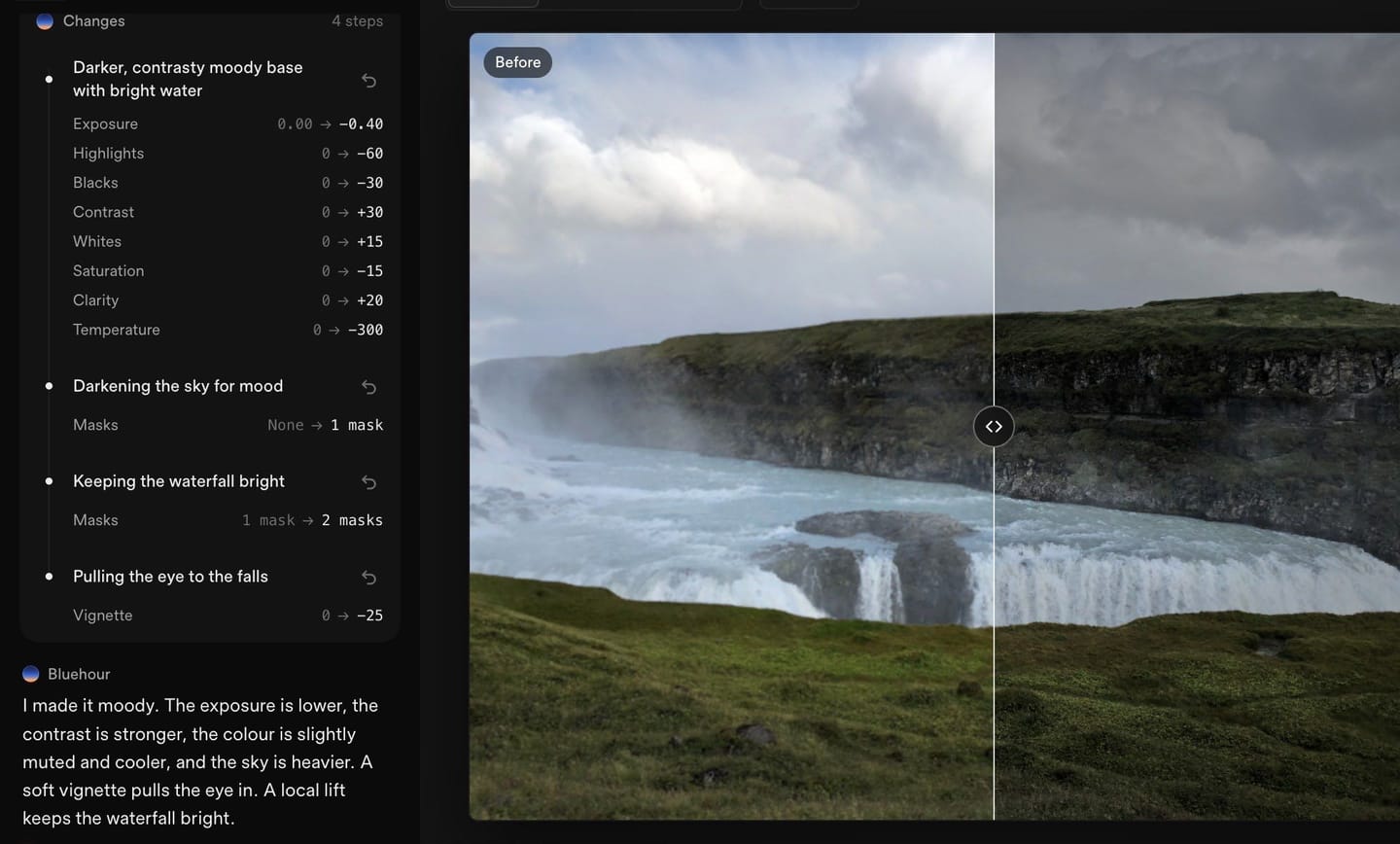
One request becomes a few changes, each with its own undo.
One point per section
Four sections said the same thing. I cut the repeats and moved control up to second place.
Pricing
Editing by hand is free. The AI is priced by the size of the job.
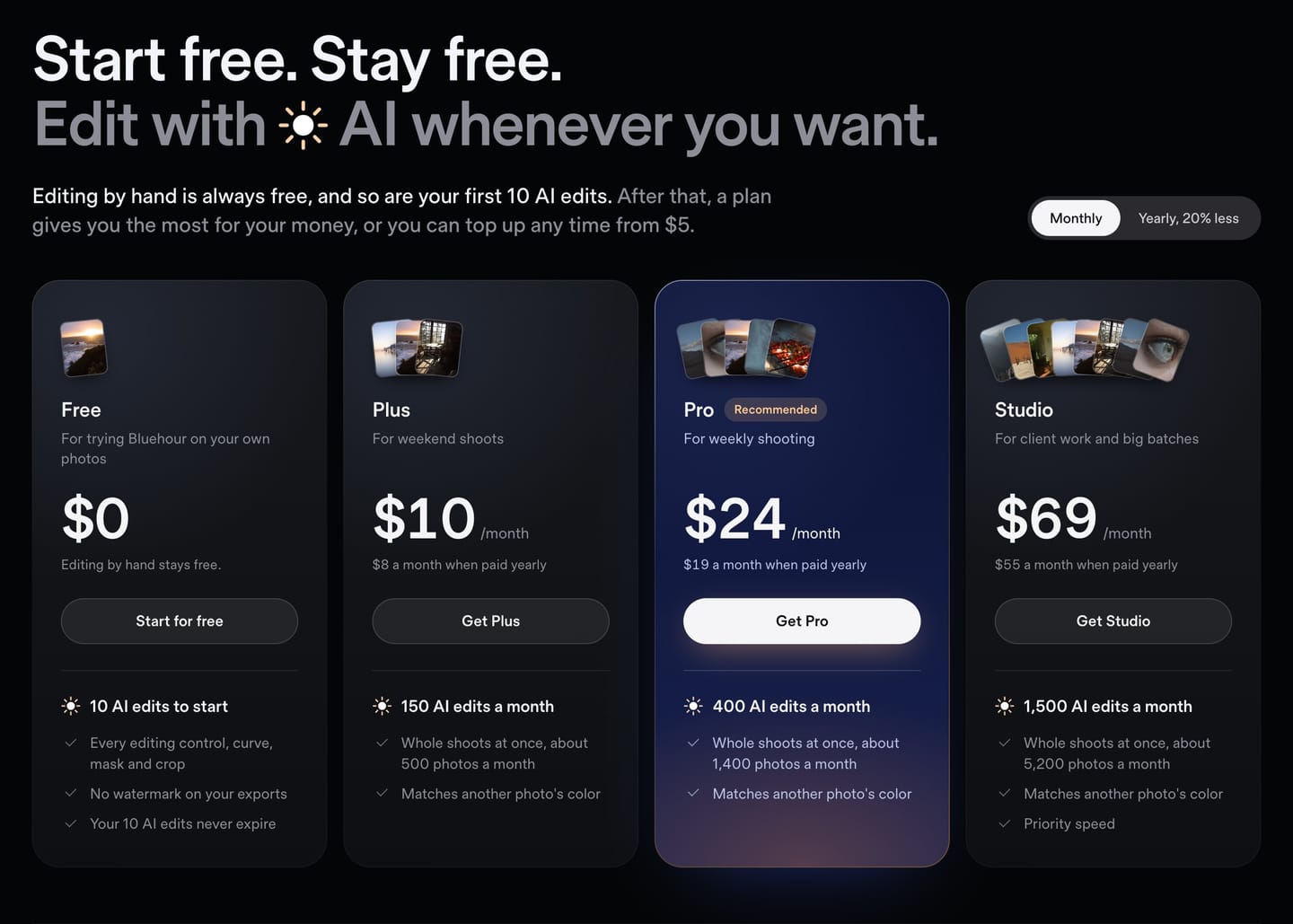
- Free by hand.Most people leaving Adobe leave over price, so every slider is free.
- Under Lightroom.Plus is $10, against Lightroom's $11.99.
- Generous.On 25 October I roughly tripled the AI edits at the same prices.
| Request | Cost |
|---|---|
| “a bit warmer” | Free |
| “the sky is too bright” | ¼ AI edit |
| “make it feel like 90s film” | 1 AI edit |
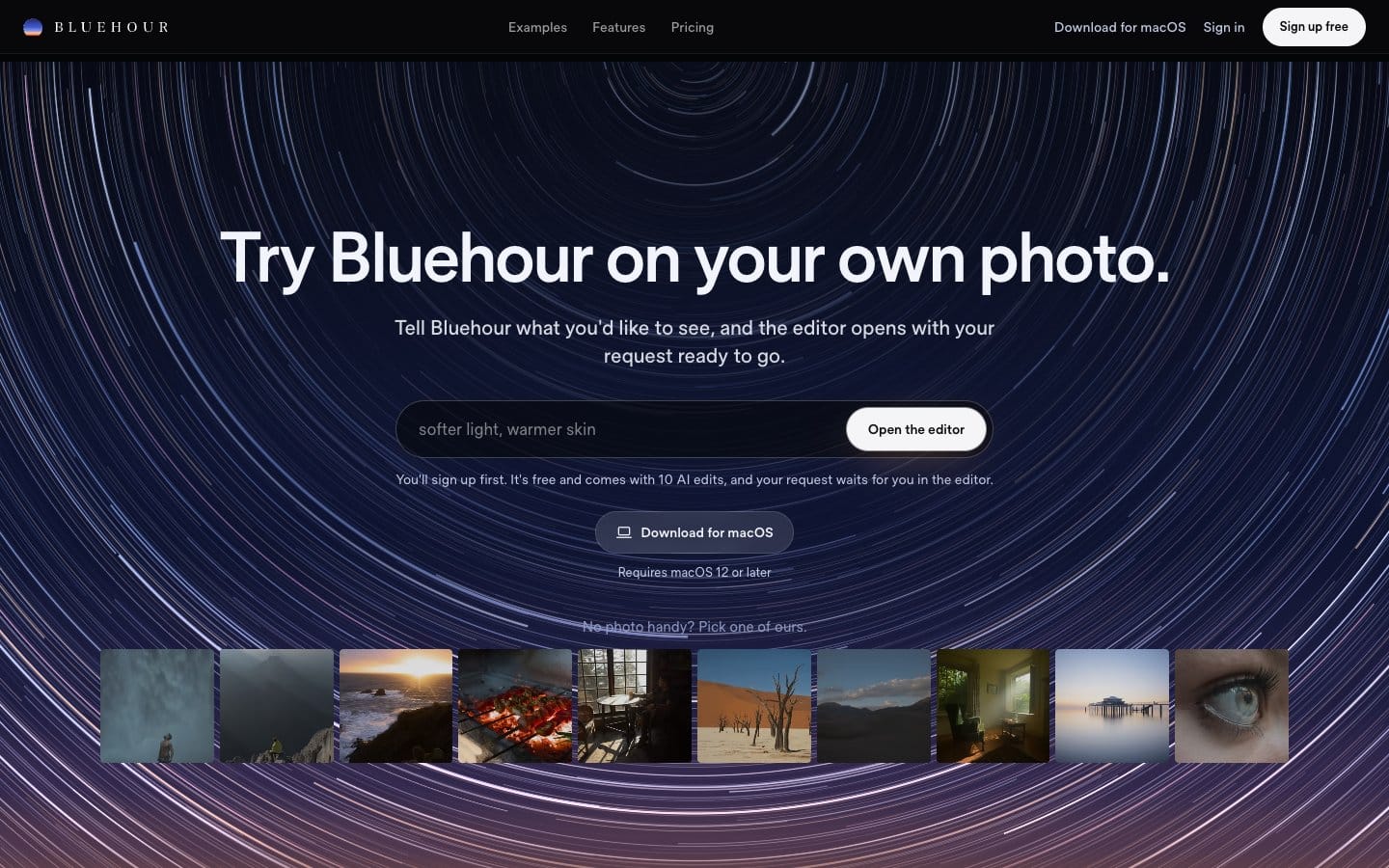
Sign-up first
The free AI edits need an account. Fewer people try, but everyone who does can use the AI.
Under the hood
The AI is an agent that edits with tools, the way you edit with sliders.
- 01Rules on the device“Warmer” runs instantly, for free.
- 02A fast routerJev sorts the request in a tenth of a second.
- 03The right modelClaude Haiku fixes. Claude Sonnet does looks.
- 04Streamed tools16 tools. The sliders move as the model writes.
- 05Undoable stepsEach move is a step, with its reason.
- Cheap where it can be.Haiku matched Sonnet's sliders on 12 of 12 fixes, at a fifteenth of the cost.
- Stateless.The browser holds the conversation. Previews are never stored.
- Tested blind.One round instead of two halved the cost, and won my blind vote 8 to 3, with 13 ties.
- A live sky.The star trails are a WebGL shader I wrote.
- Five times lighter.AVIF images cut a page visit from 18.5 MB to 3.8 MB.
Marketing
Each ad makes one point, with a real edit. None has run yet.
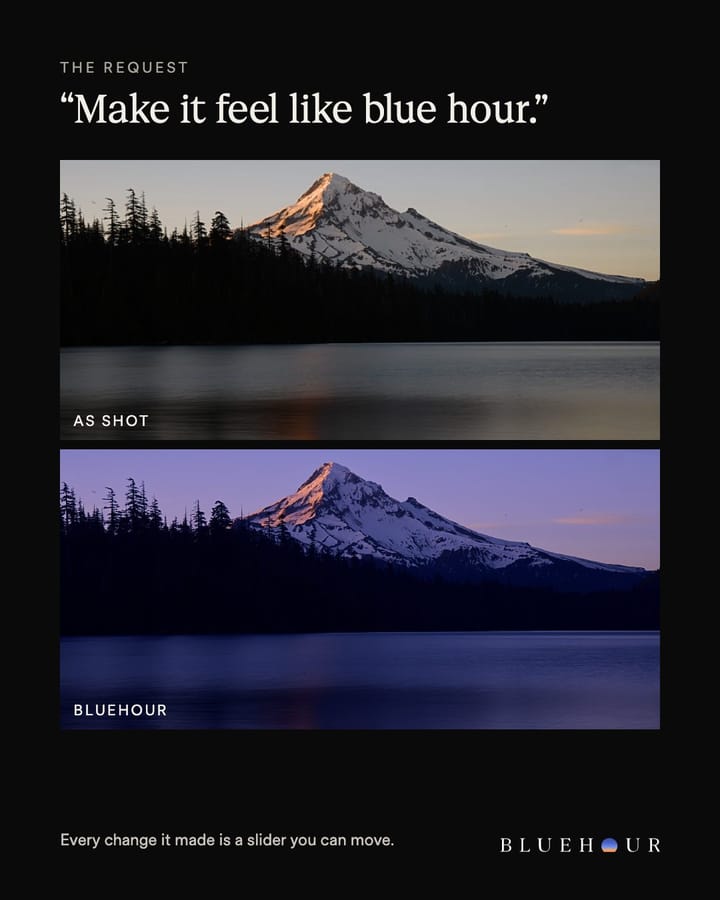
One request.
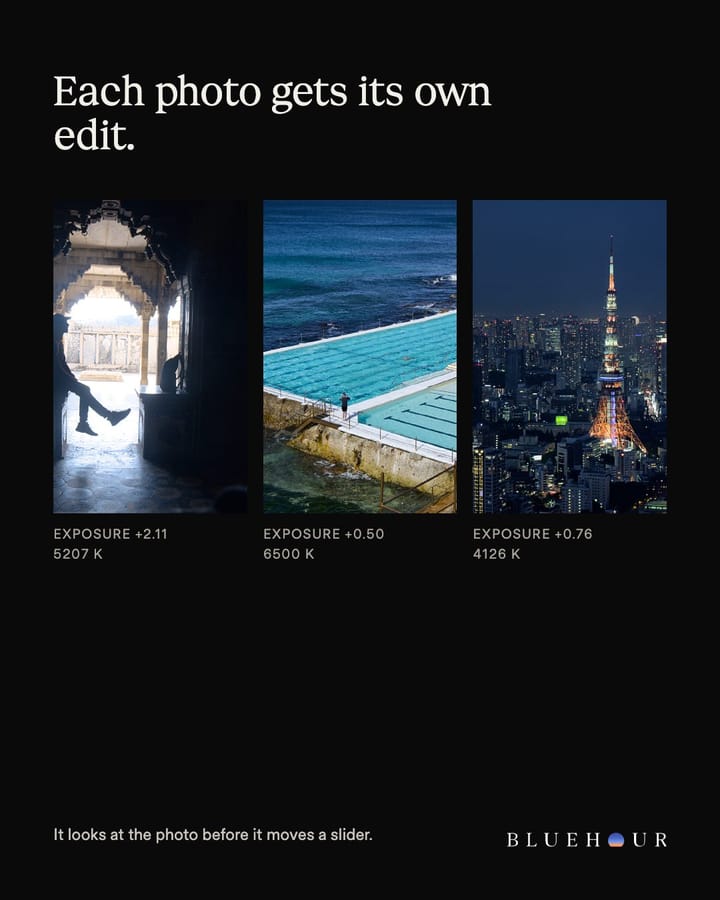
Each photo, its own edit.
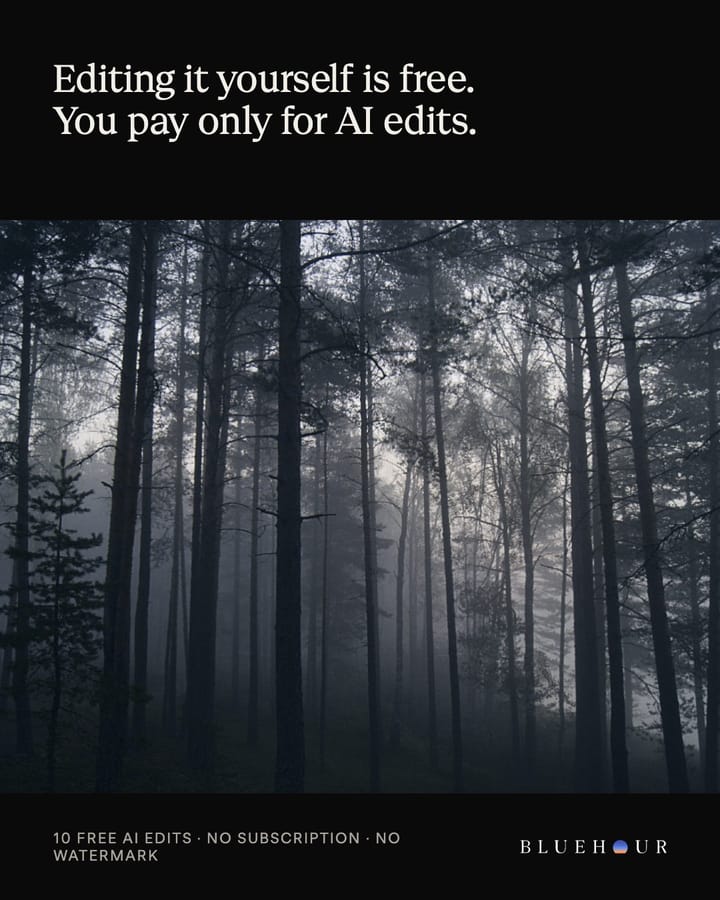
Free by hand.
Rivals have since added typed editing too, so I've repositioned Bluehour: “A free RAW editor in your browser. Ask for the edit when you want one.”