Viggle puts any character into a video: your photo, a cartoon, a pet. In the iOS app, each new feature had shipped as its own tool. Mix, Remix, Animate and the Editor all put a character into a video, and each had its own page or sheet.
I joined in September 2026 as product lead for the apps. I mapped where the tools overlapped, then designed the Composer, one page for Remix, Video, Image and an AI agent, and built it in SwiftUI inside the real app.
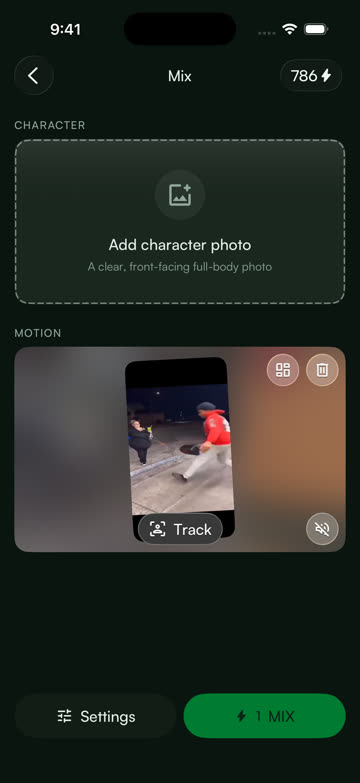
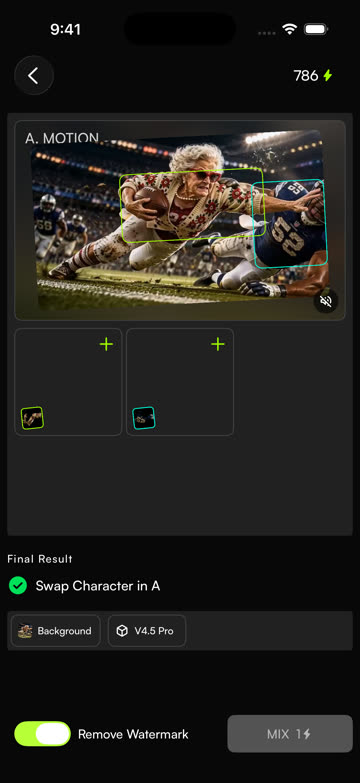
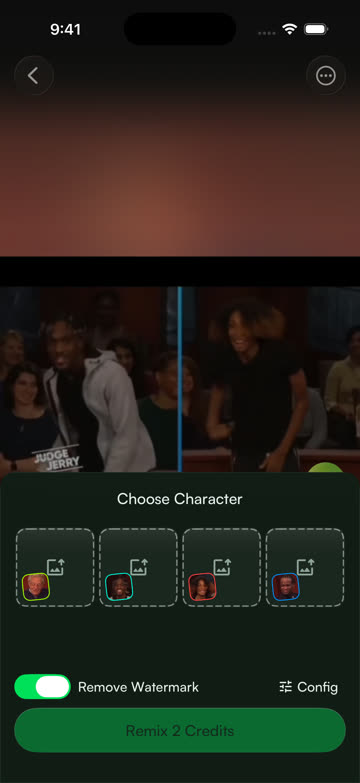
Before: a page per toolMix, the Editor and Remix each had their own page and their own model picker.
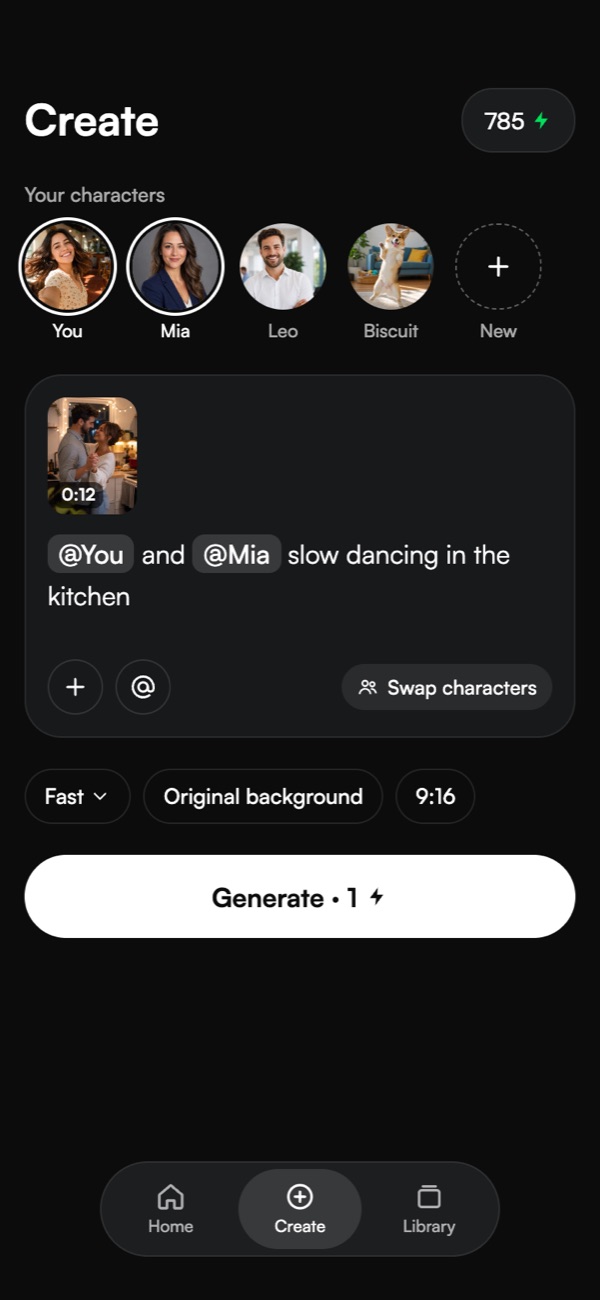
After: one ComposerRemix, Video and Image on one page.
One job, built three times
Three tools each built their own version of the same five steps.
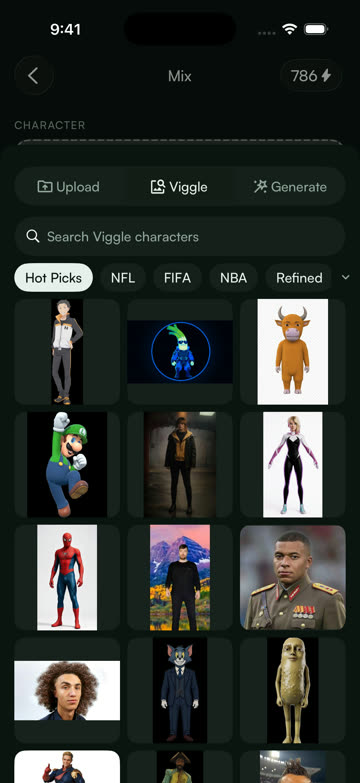
I recorded Mix, the Editor and Remix on the simulator and lined up their screens step by step. Mix sets the standard. A ring marks a step another tool built again, differently.
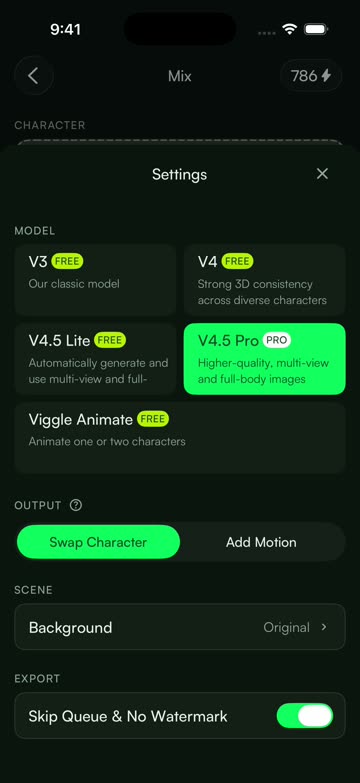
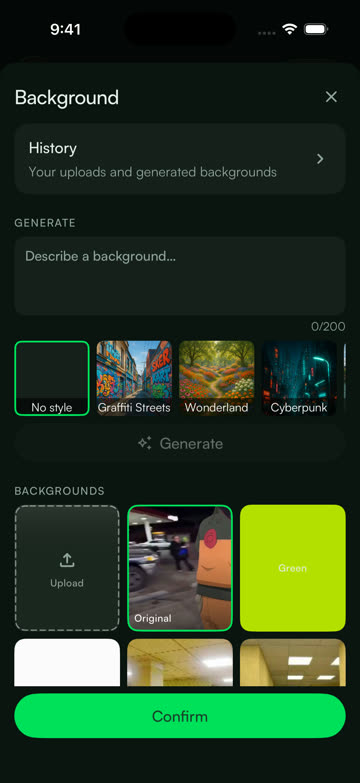
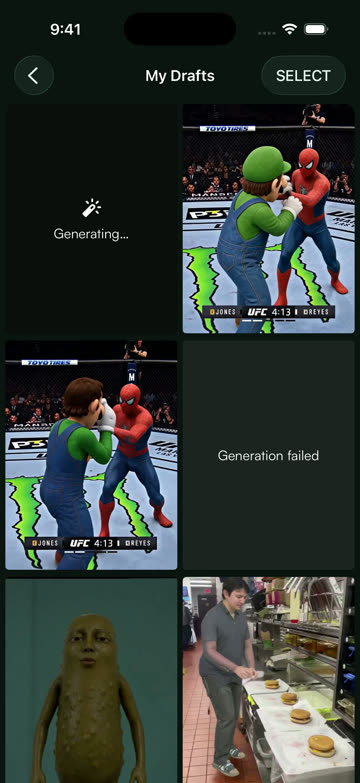 Editor · A Home shortcut
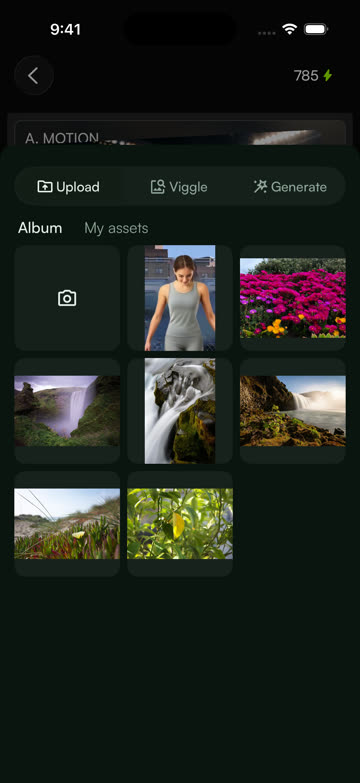
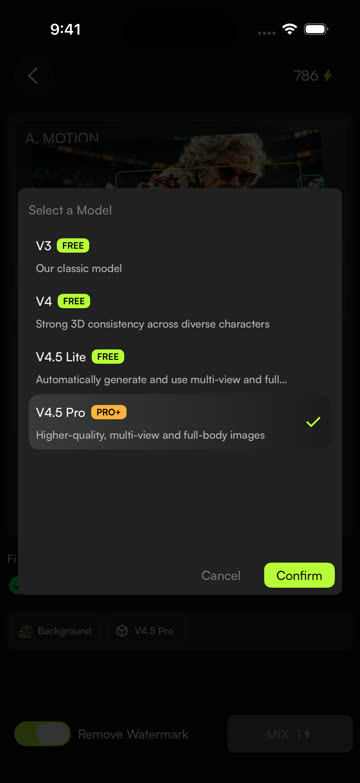
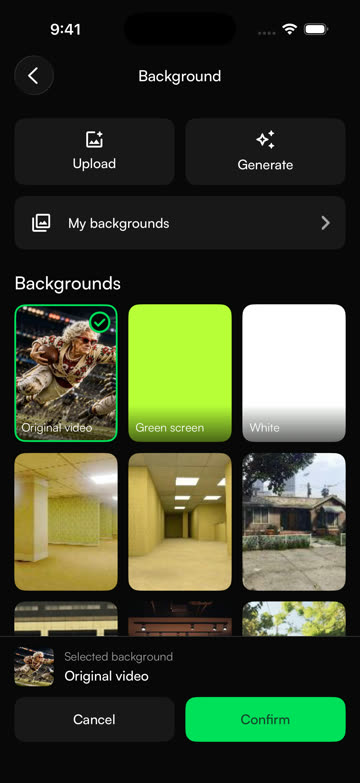
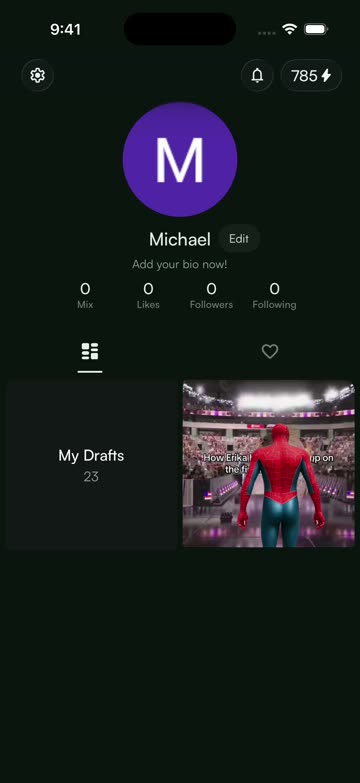 Remix · A button on any video
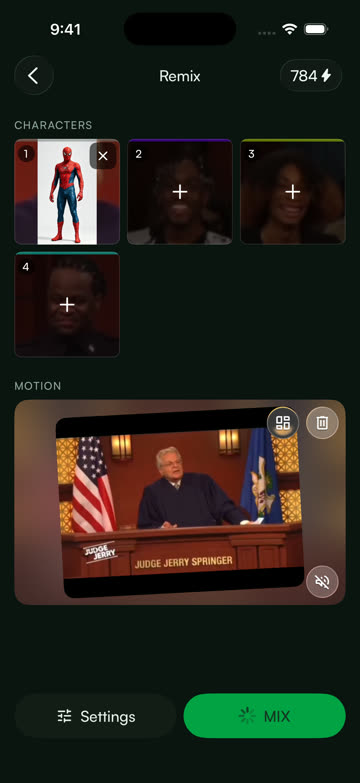
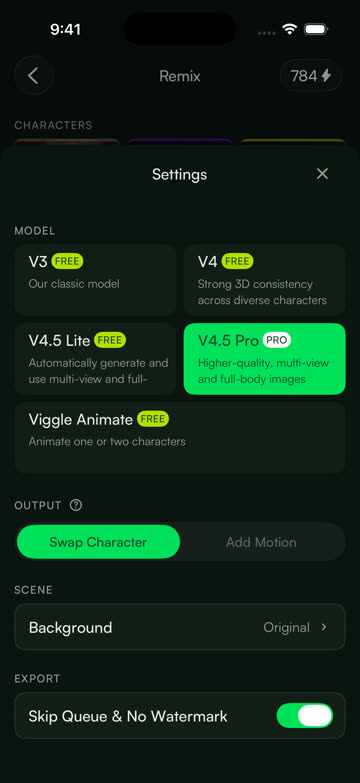
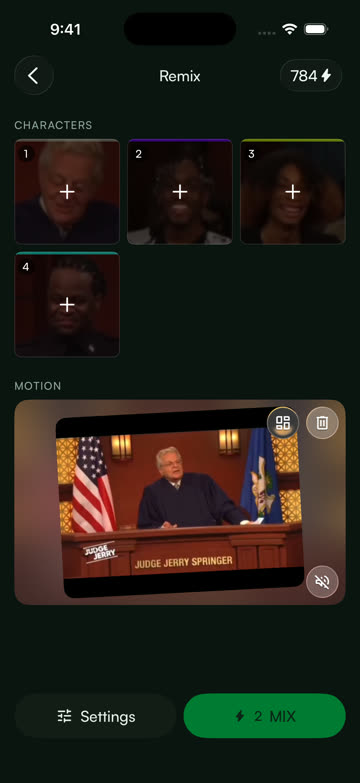
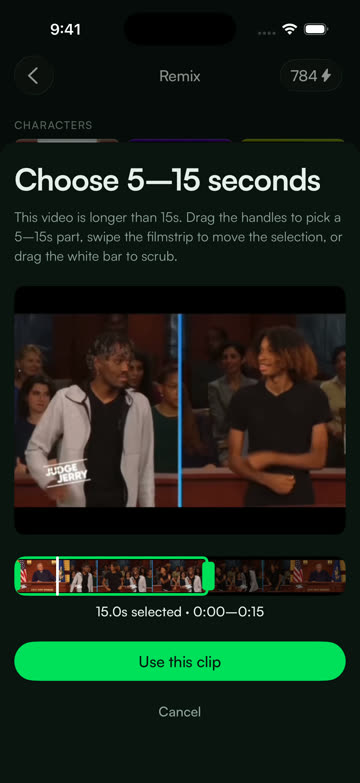
Every rebuild added a page to learn before you could make anything. Remix hid the choice of AI model two levels down, and asked you to trim the clip only after you had pressed MIX.
One rule for every tool
Every tool asks for the same few things. The AI model decides which of them you need.
Some models copy the moves from a video you pick, so you say which person becomes which character. Others make a new video from a prompt and place your characters themselves. Within each group, only quality and price change. So one page can hold every tool.
I sketched four ways that page could start, each from something people bring.
Your characters
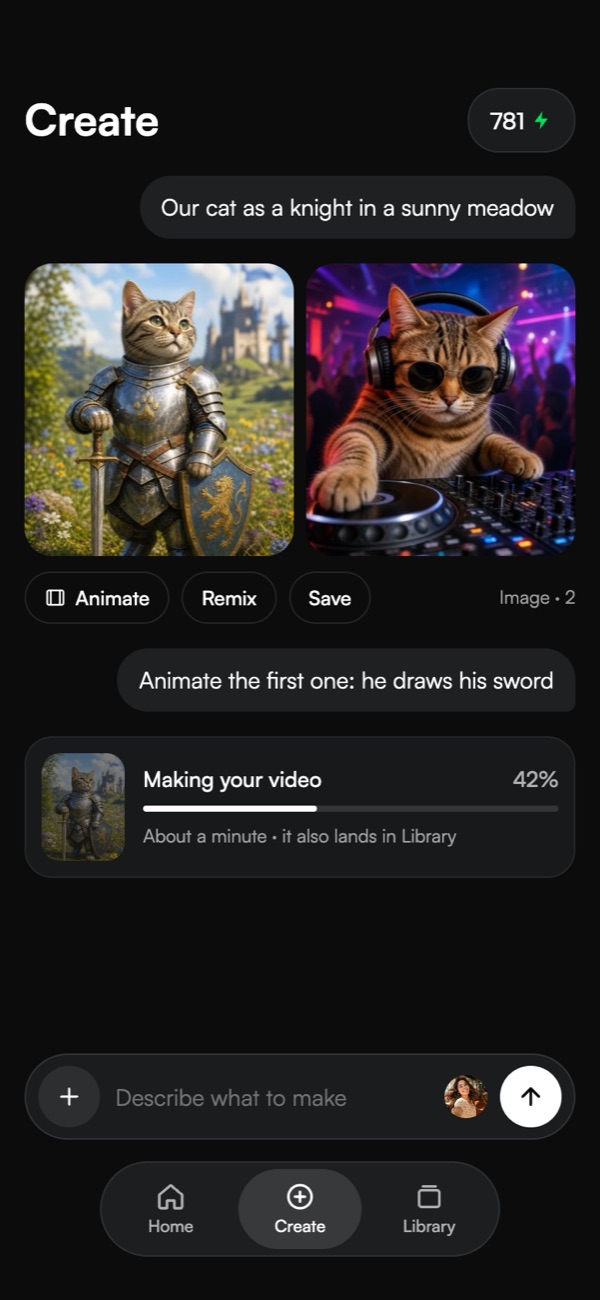
A result to change
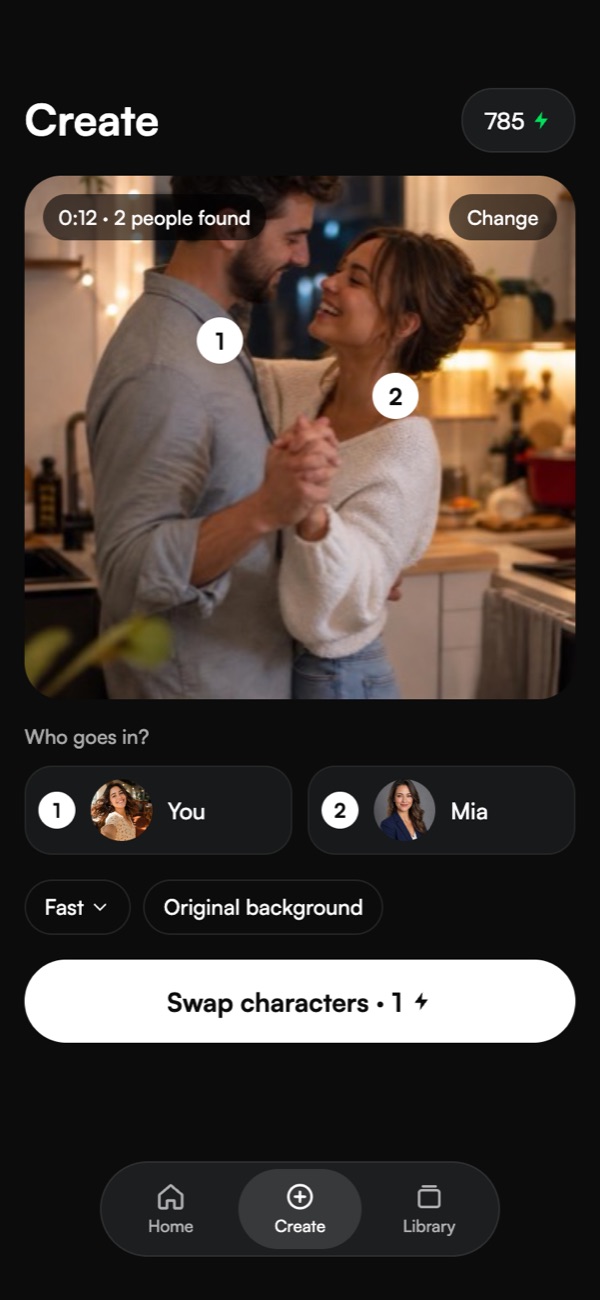
A video to use
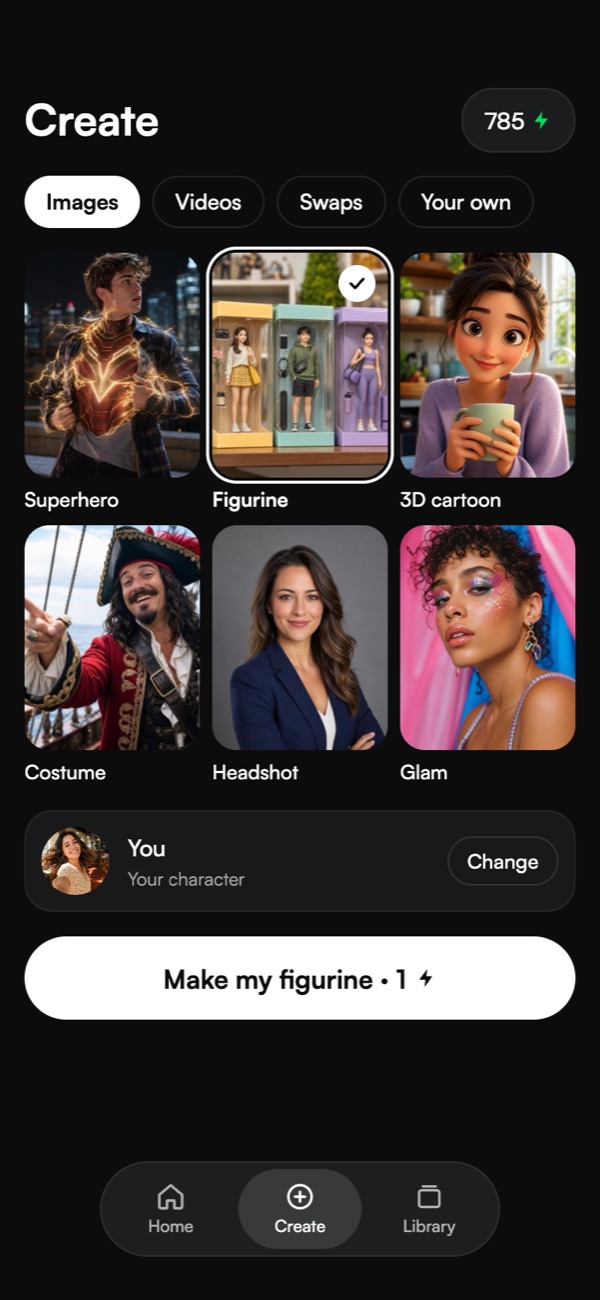
A look to try
The Composer
Every button that makes something now opens the same page.
The Composer took the first and third sketches: your characters across the top, and the video first when there is one. The page reads which inputs the chosen model needs and shows only those.
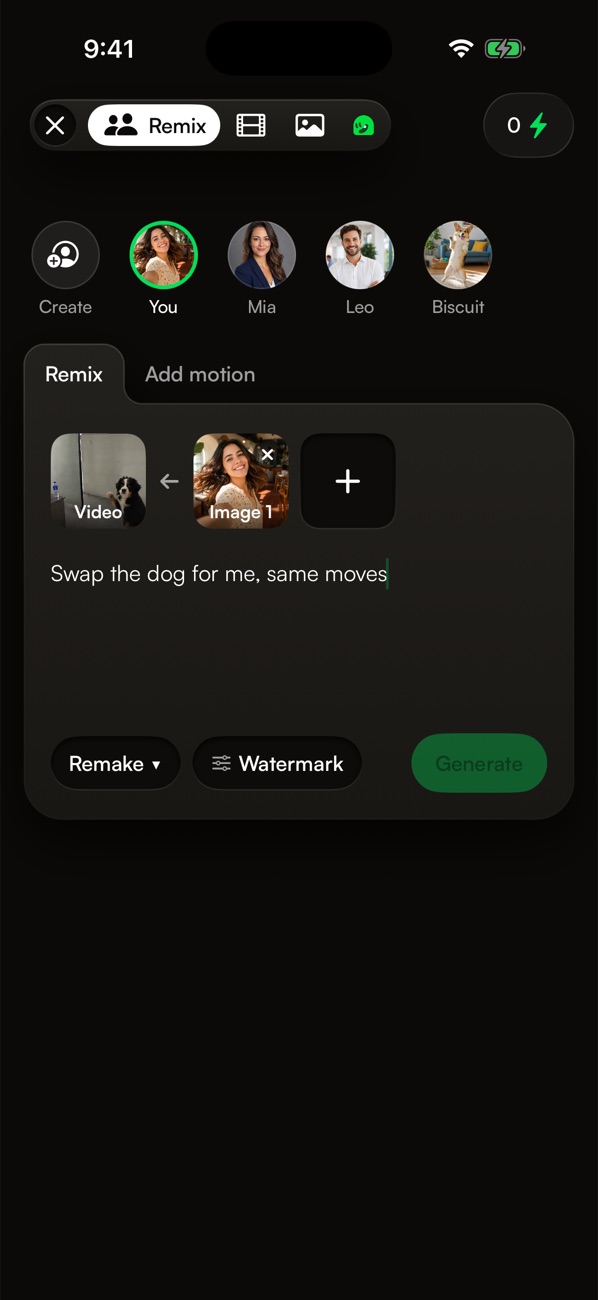
RemixPick a clip and you go in as its first person.
VideoTap a character to add them, describe the shot, set the format.
ImageSwitch tools and your character, prompt and format come with you.
The panel follows the modelA model that makes a new video adds a prompt.
Or ask the agentDescribe the video in a sentence. It asks which clip to change.
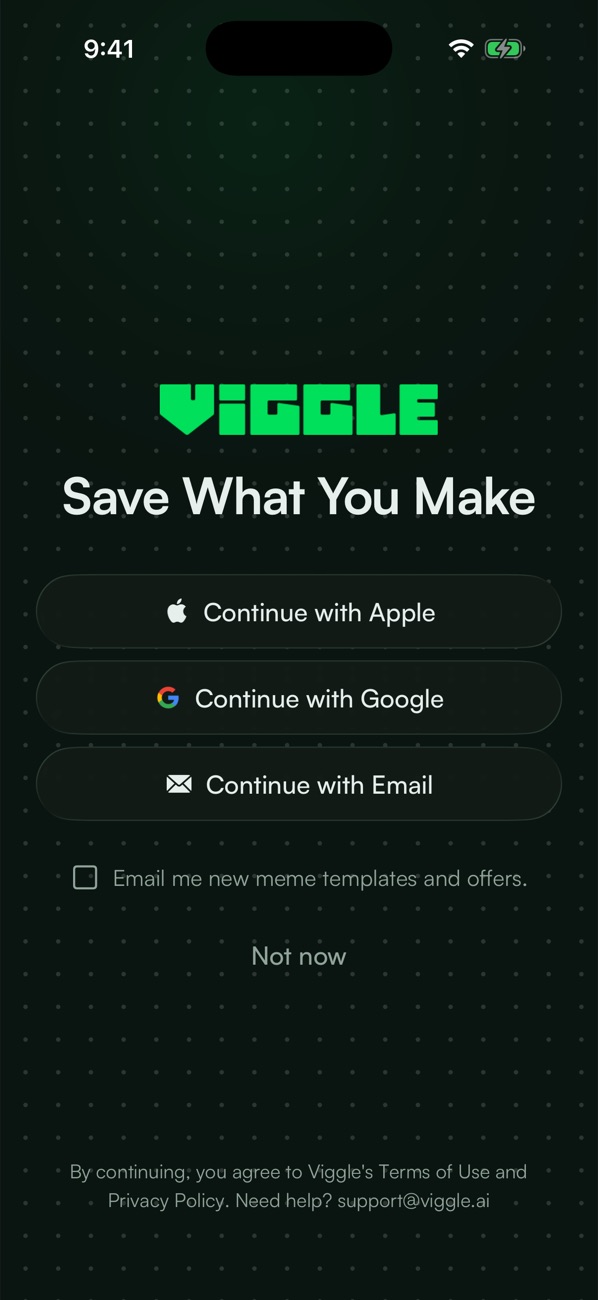
Sign in at GenerateAnyone can try every tool. Sign-in waits for the first Generate.
Where it stands
Choices that used to sit two levels down now sit next to Generate.
The Composer makes real Remix and Video results on Viggle's service, under the shipping app's rules for sign-in, credits and clip length. Everything you make lands in one Library, in place of separate lists for drafts, posts and video results.